Keep your remote team connected, focused, and productive. All within Slack.
With Range + Slack, there’s no more micromanaging, unproductive meetings, or wondering what’s happening with your remote team.
Trusted by teams at







How teams benefit from connecting Range to Slack
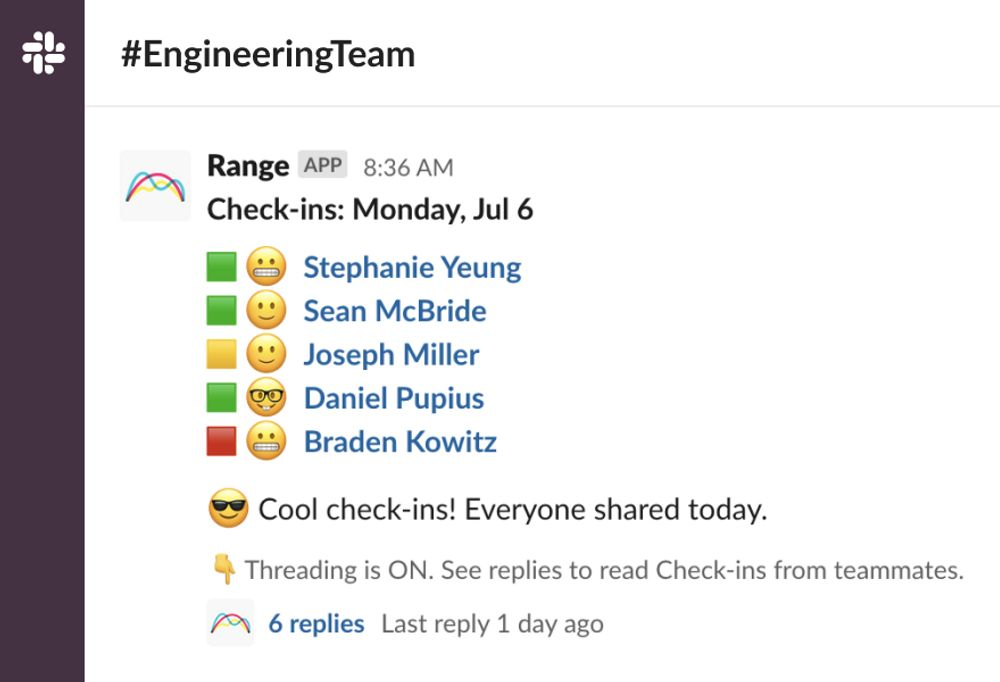
We’ve developed a purpose-built tool for remote and hybrid teams to check in with each other, both async and real-time. Range lets you share brief, contextualized status updates directly from Slack, helping you feel like a team wherever you work.
Reminders
Stay on track without micromanaging
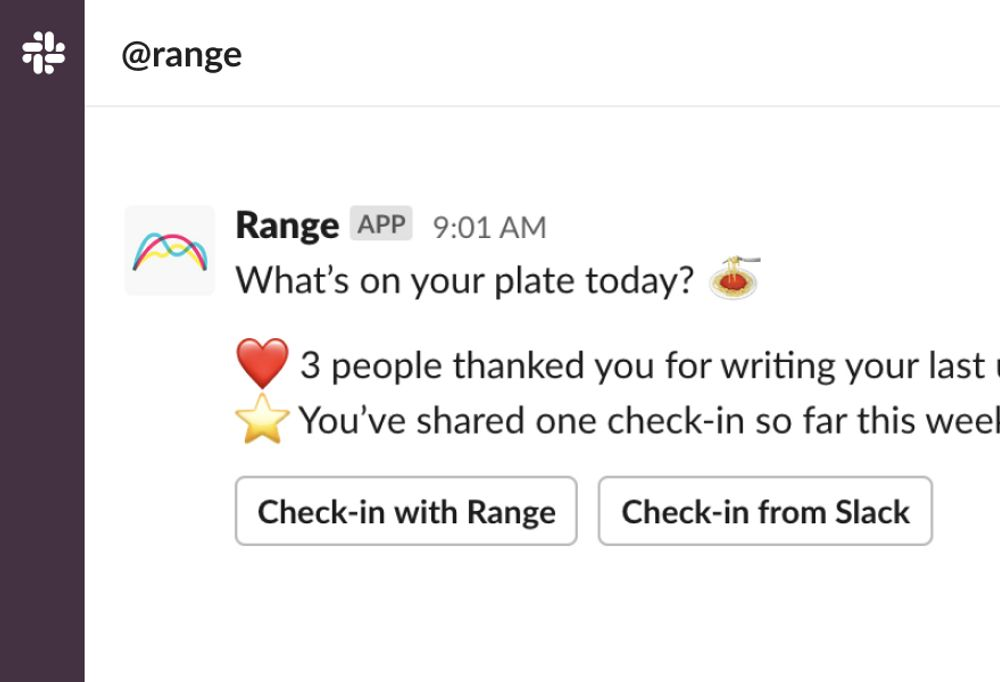
No need to nag your team for status updates. Range sends reminders so they can plan for the day, reflect on what’s happened, and share a Check-in that keeps everyone in sync.
Check-ins
Check-in with your team right from Slack
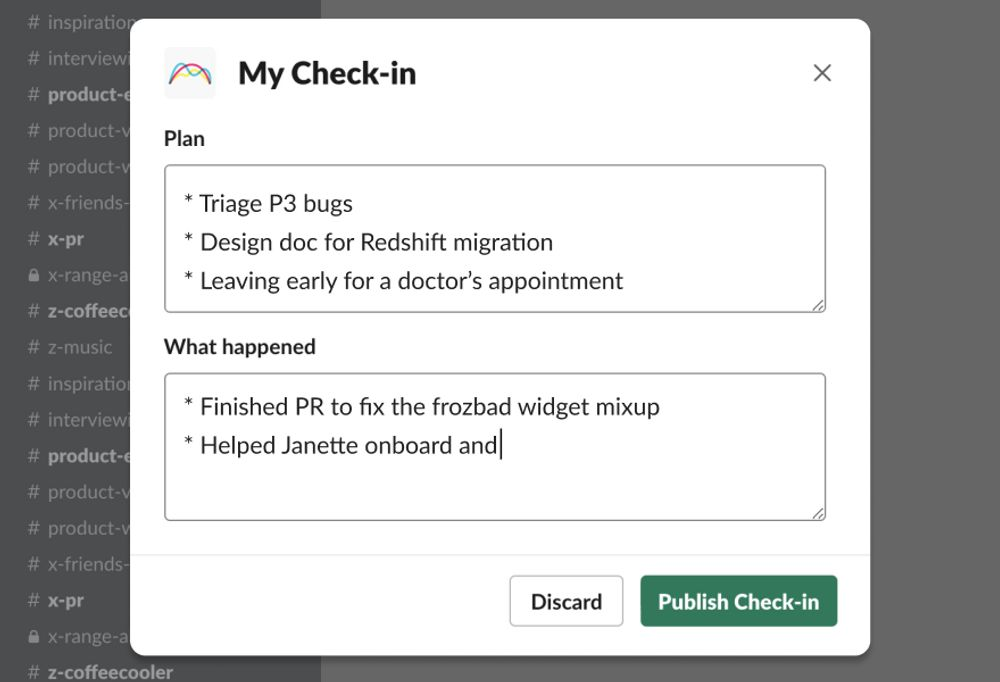
Your team can Check-in right from Slack in just minutes. So no matter where your team works, it’s easy for everyone to develop a habit of staying in sync.
Integrations
Integrations working across multiple tools
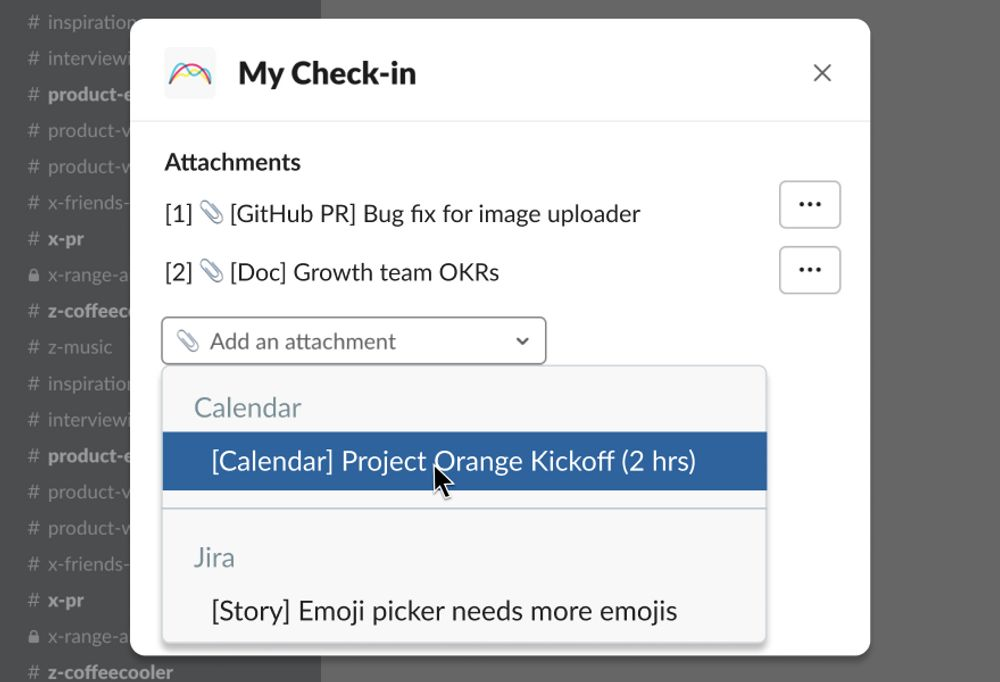
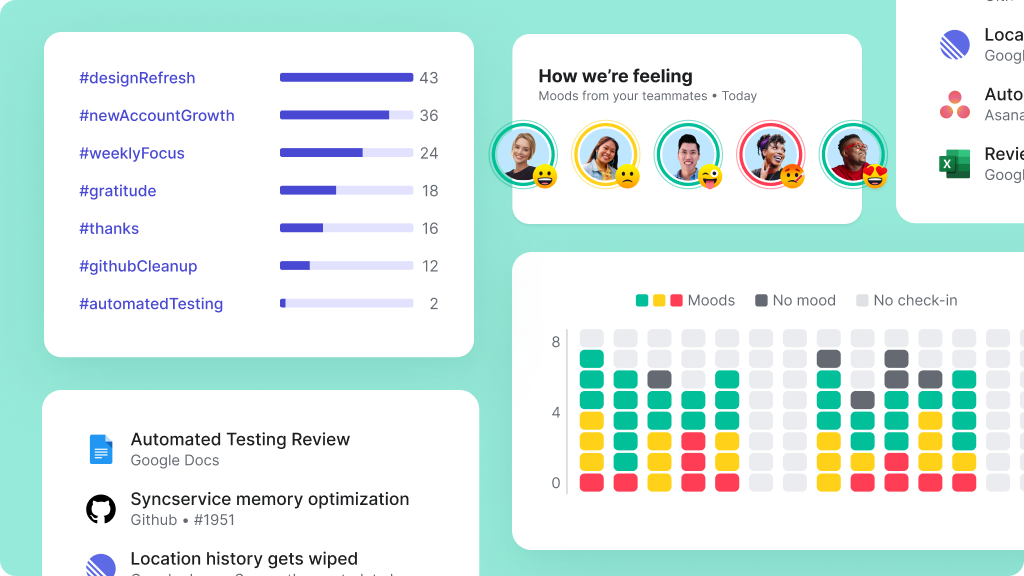
Deep integrations bring all your work into one place from tools like Jira, GitHub, Google Docs, and many more. Plan out your day by reviewing the tasks assigned to you. Easily add links to work you’ve recently completed.
Morale
Strengthen your team's culture
Teammates can share their mood each day, which helps everyone keep a pulse on team morale and spot who might need extra support. 300+ team-building questions help strengthen connections and foster trust.
See Range + Slack in action

Keep your team in sync and on track, no matter how spread out you are.

“With Slack reminders to Check-in every morning, and message threading, it's been easy for the team to start using Range.”



How to connect Slack to your Range workspace
You need to be a Slack administrator to connect the app to your Range workspace. To connect, follow these steps:
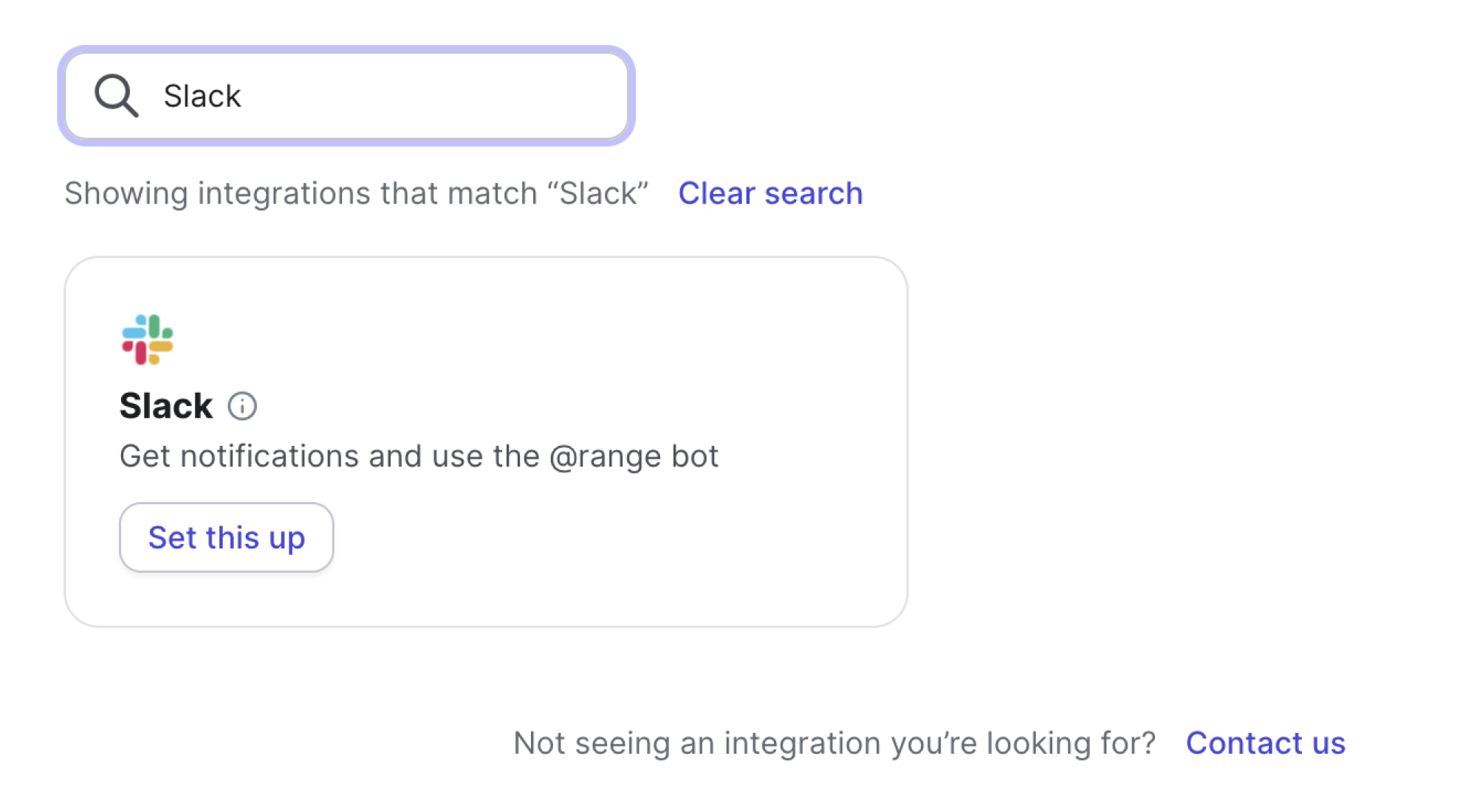
Find Slack
Visit the integration settings page, find Slack and select “Set this up.”
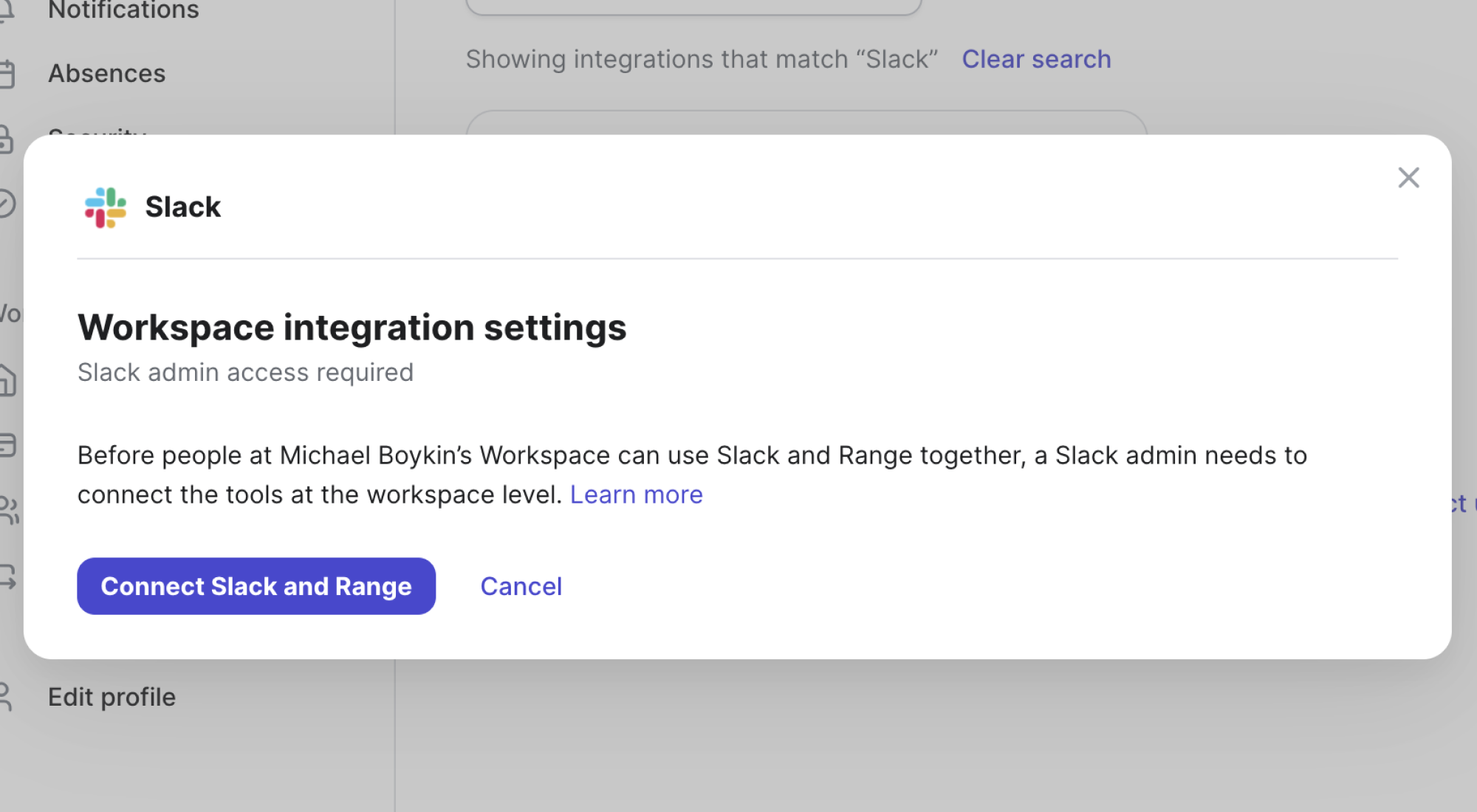
Connect Slack
Press the button “Connect Slack and Range.”
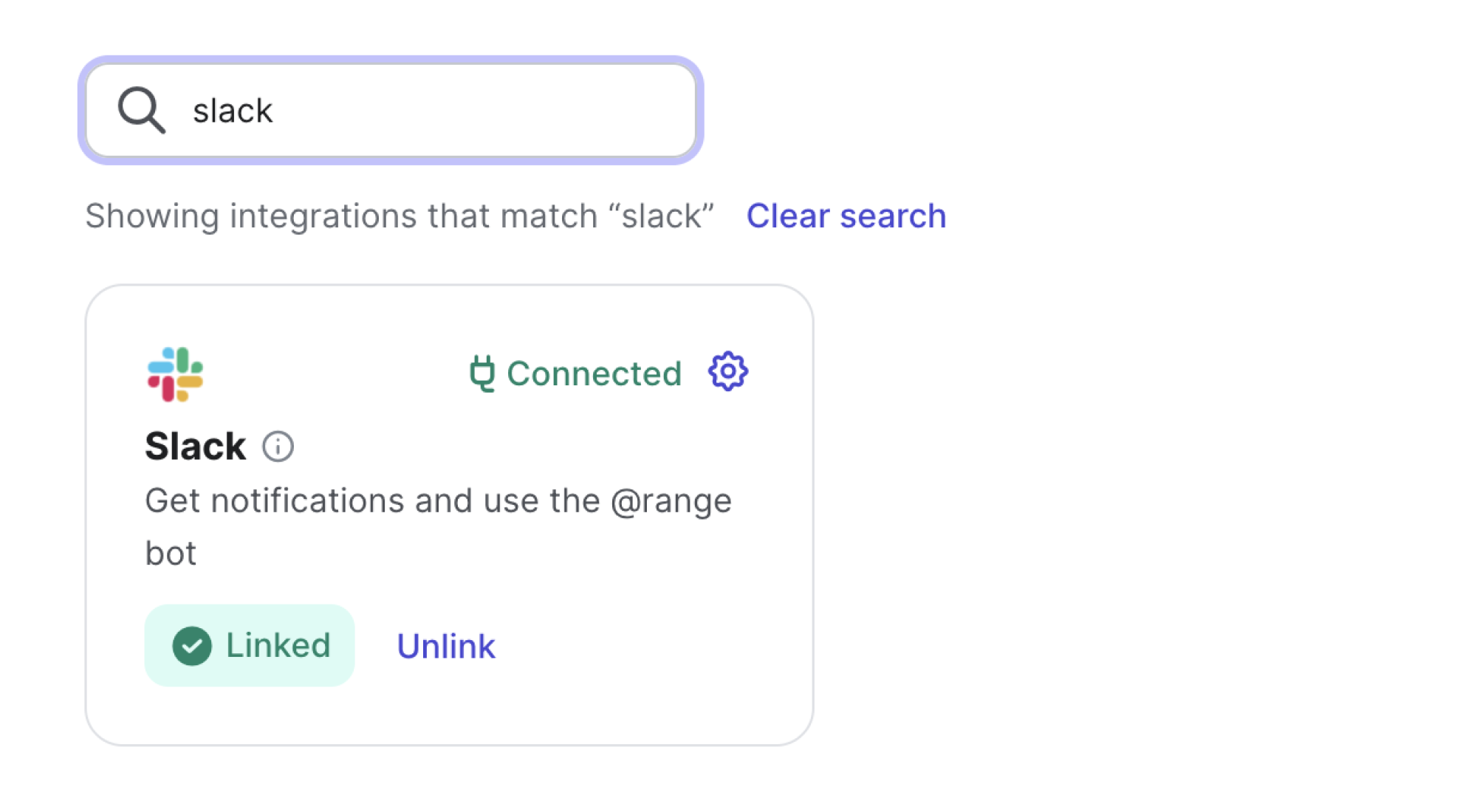
Enjoy
Follow the authentication steps on return to Range, Slack should be connected.
The integration literally takes seconds.

Featured on





Range makes Slack even more useful for running remote teams
Efficient async standups
Signal how you’re feeling and how work is progressing — all from the comfort of your Slack workspace.
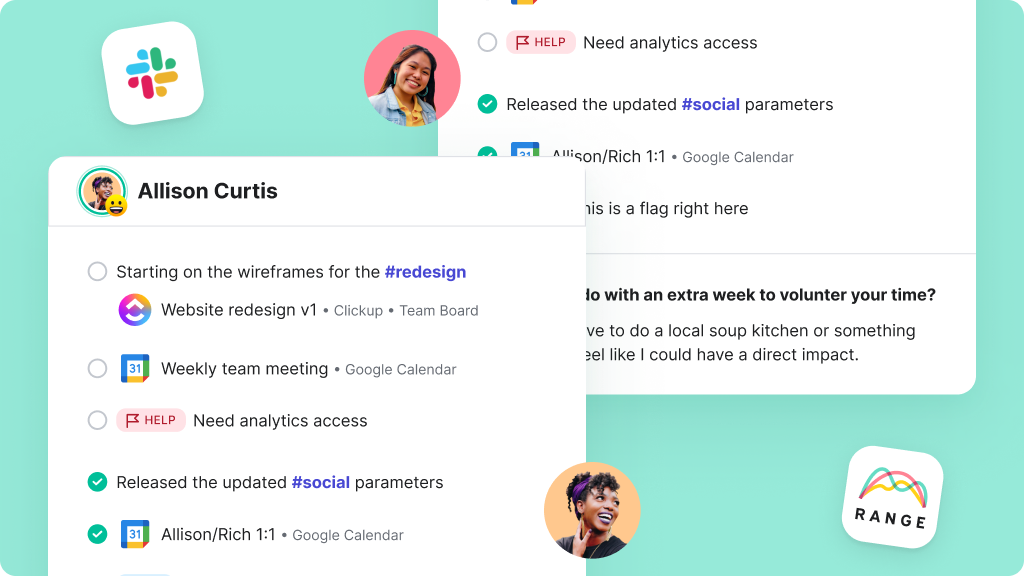
Strengthen connections
Stay connected to your remote/hybrid team without having to schedule extra meetings.
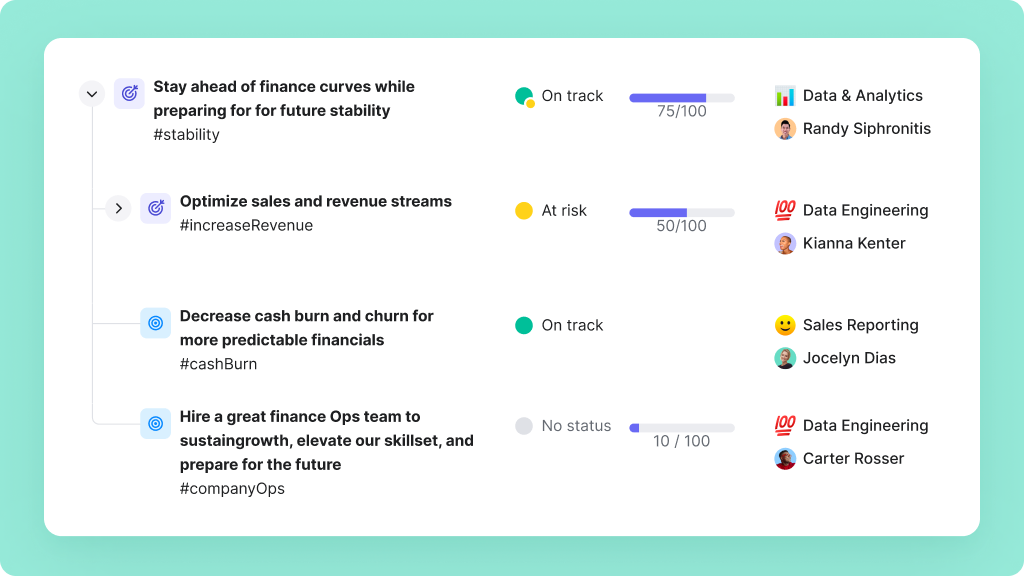
Track progress
Check in on team goals and publish updates in a lightweight, manageable way to keep teammates in the know.
“Range helps Wellthy maintain our culture, foster transparency and accountability among the team, prioritize day-to-day tasks, and stay on top of what’s important.”

FAQs
Why connect Slack to Range?
Check-ins are a valuable way to keep teams connected. With the Range app in Slack, teammates can write and read all Check-ins from within Slack while still accessing integrations, history, and more within the Range web app.
How does Range work in Slack?
Once connected, you and your team can use the app in a few different ways. You’ll need to subscribe a Slack channel to a team in Range. From there, teammates can write Check-ins, add items to their plan, review meeting notes and goal updates, respond to comments, react to updates and see reactions.
Are there any security considerations?
The Slack integration must be configured for an organization by an administrator via OAuth. The scopes that are requested are bot and commands. This allows us to add a bot to your Slack workspace and use /slash commands and actions.