Get three meetings of work done in just one
Swap wasted time for collaborative conversations that get everyone involved. Create clear agendas, stay focused on your goals, and actually move work forward.
Trusted by teams at




“I am a really big fan of the flow of the Meetings tool! It really helps our team to keep track of what was said in the last meeting and what needs to be done.”

What's different about Range?
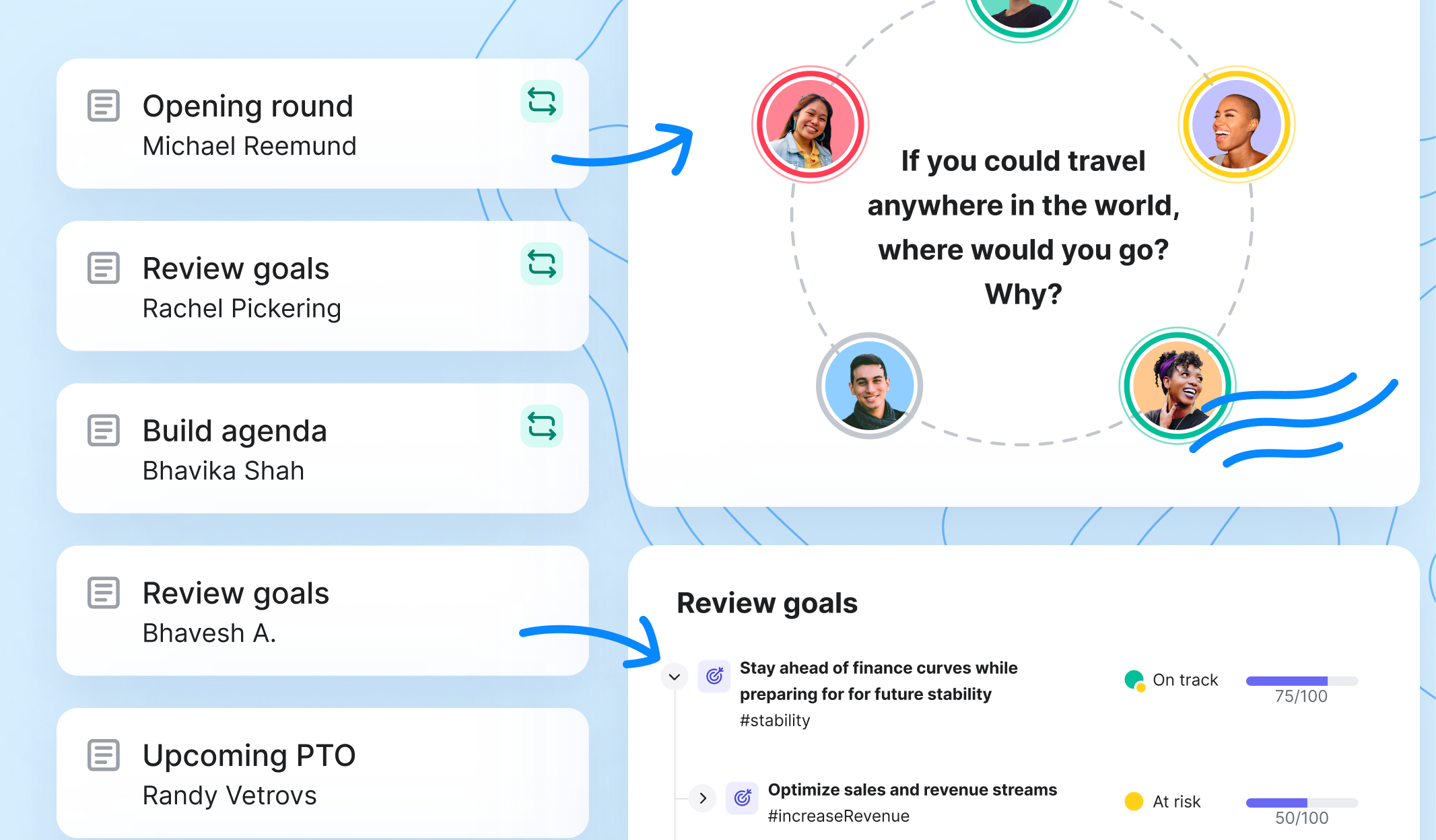
More structured than a shared doc
Cover one agenda topic at a time. Use built-in facilitation tools to keep every discussion inclusive and organized.
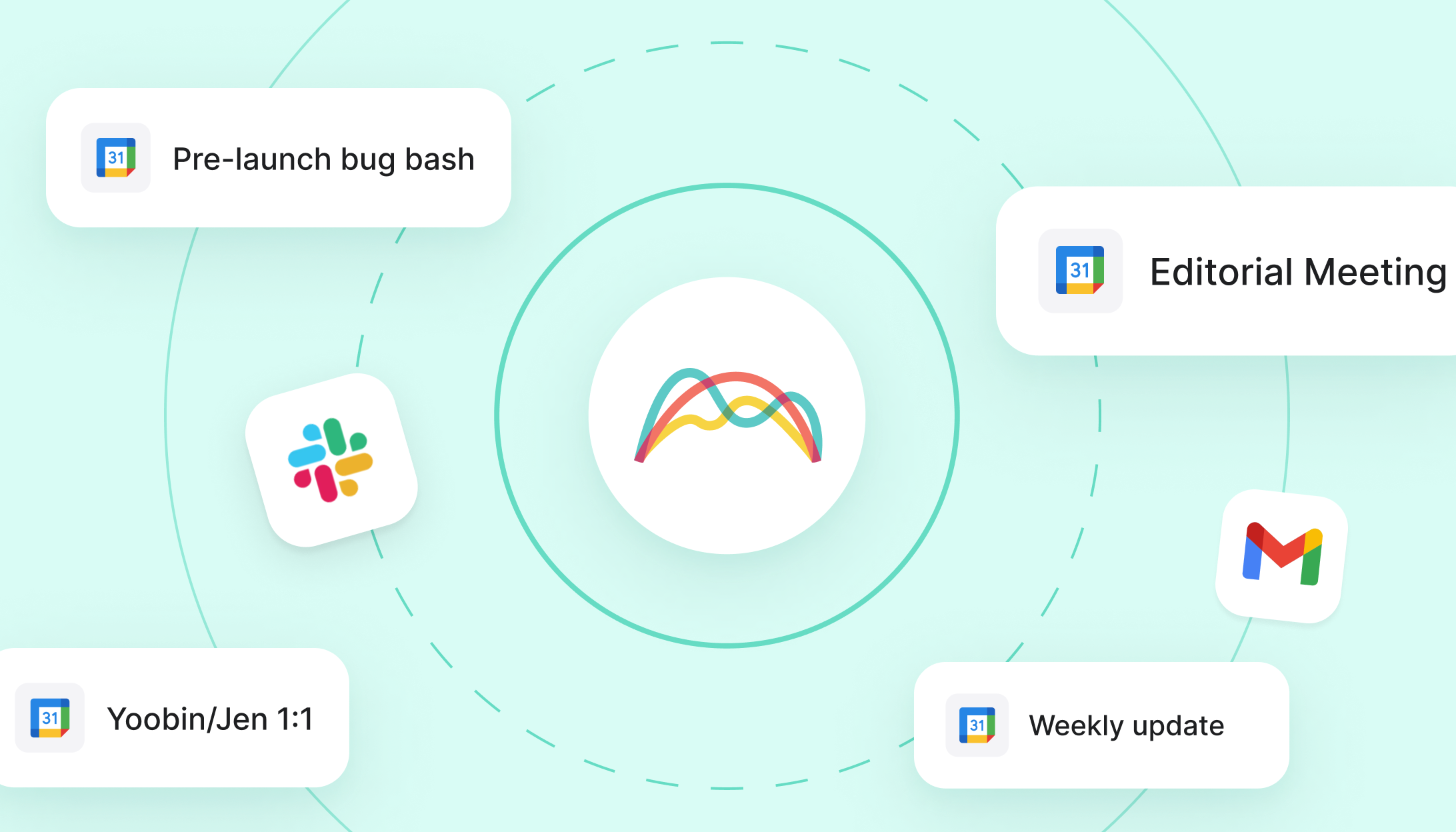
Integrates with async tools
Connect Range agendas to Google Calendar events to make every conversation count. Build collaborative agendas and automatically share notes via email and Slack.
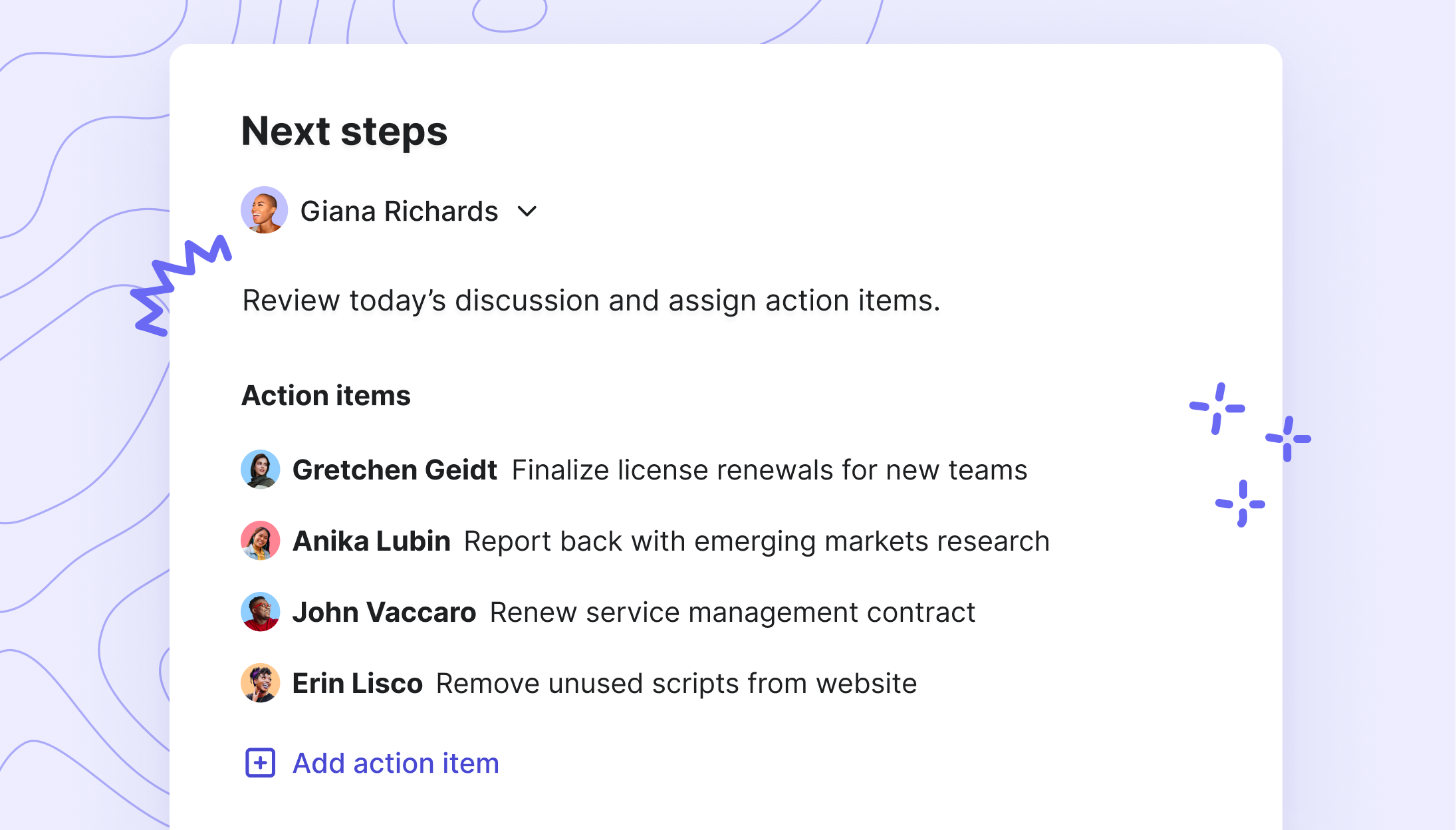
Designed for doers
Capture and assign action items during every meeting so your team can move work forward and hit goals faster.

How to manage your meetings with Range
Step 1
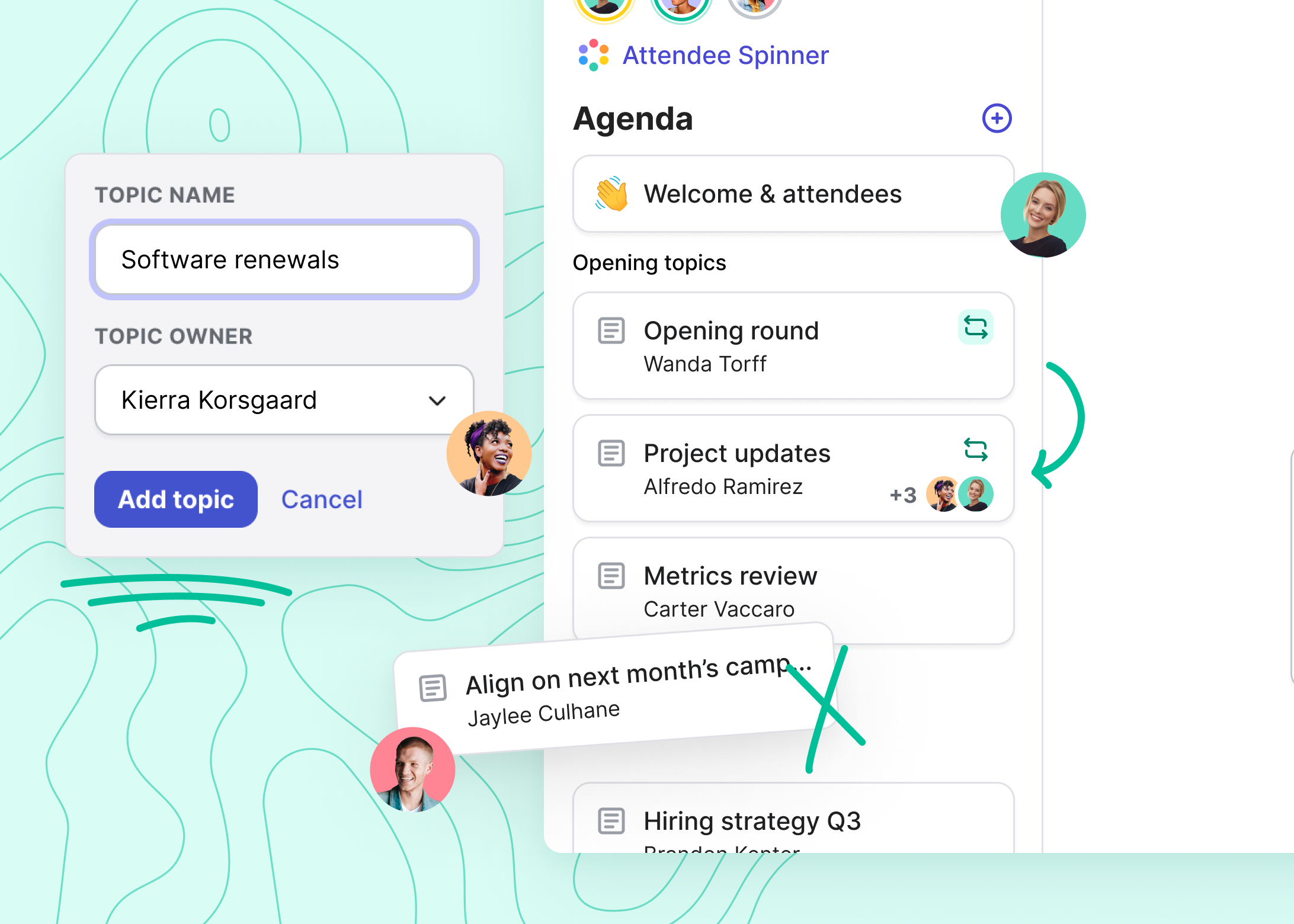
Build agendas in multiplayer mode.
Create agenda items from email or Slack. Add, remove, and re-order topics as a team — before the meeting and in real time. Learn more.
Step 2
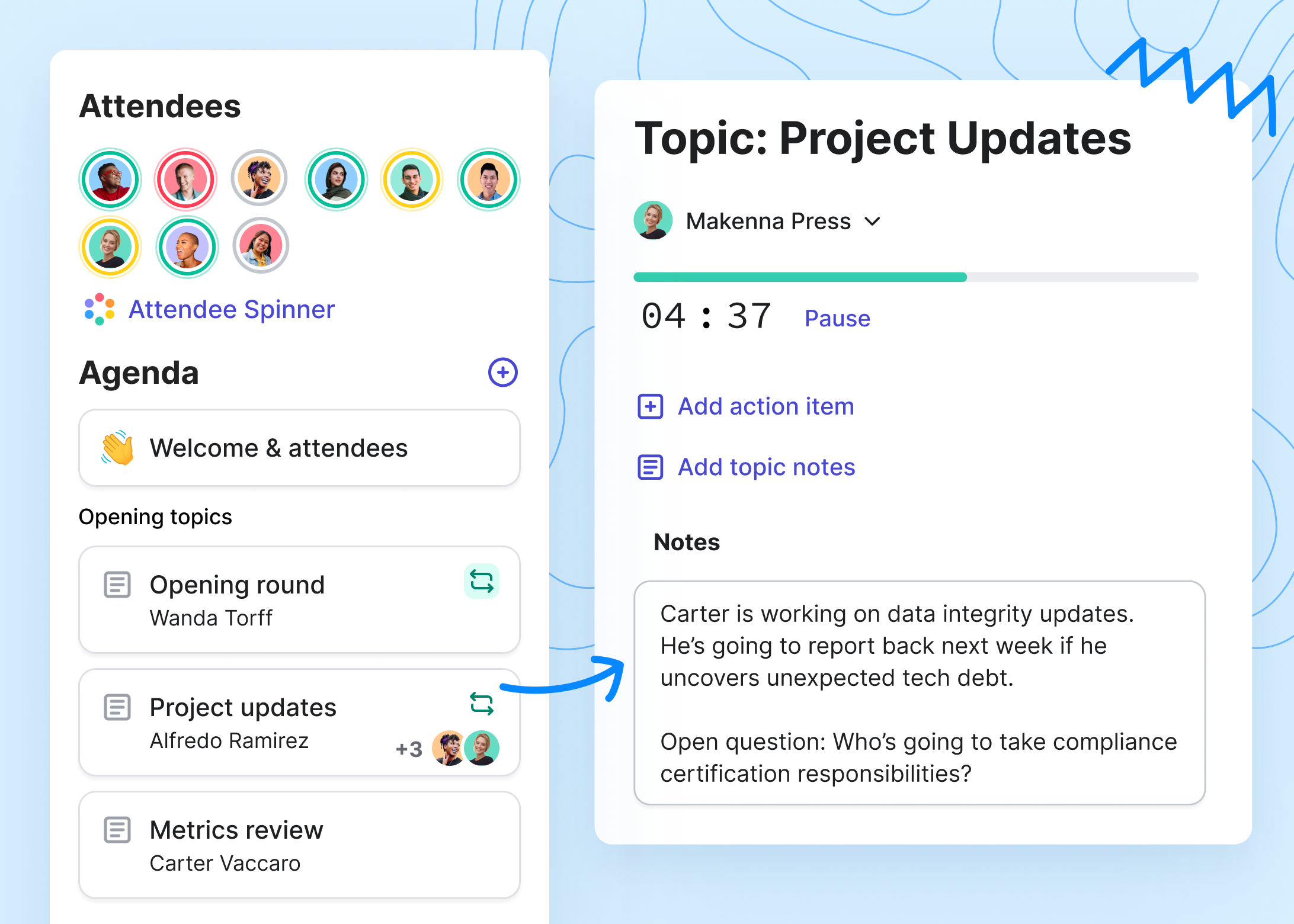
Guide focused discussions.
Follow a clear agenda, always. Give each topic an owner and time limit to keep the meeting on track.
Step 3
Get the whole team engaged.
When you meet live, run icebreaker rounds to help all participants feel seen and heard. Use the spinner to tap into a variety of perspectives and give everyone a chance to share.

Step 4
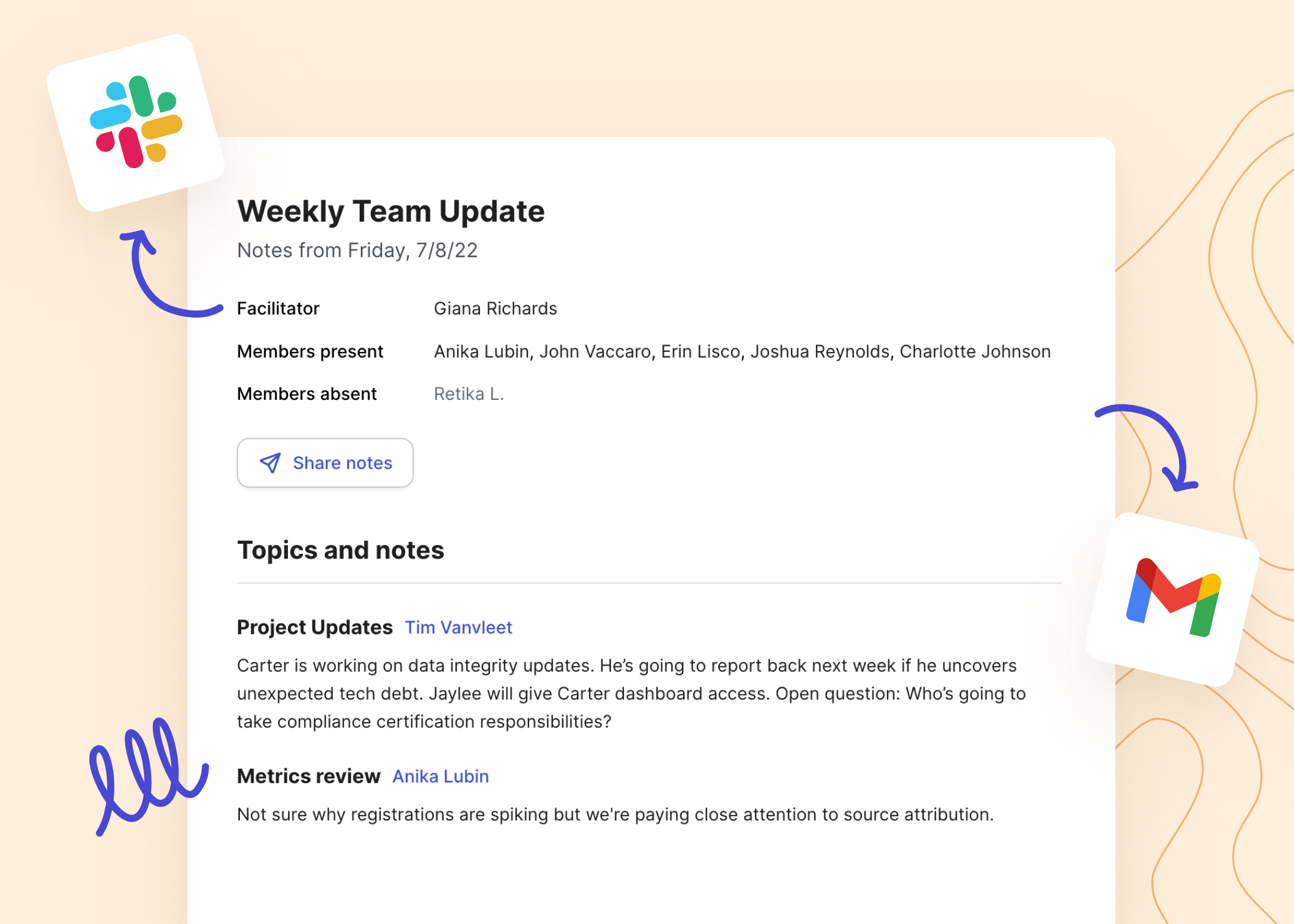
Keep up the momentum after the meeting.
Document notes and action items. Automatically share takeaways when the meeting ends so the whole team has visibliity into decisions and next steps — even those who couldn’t attend.

“By using Range, our eng team can keep our meetings efficient and still know what everyone is doing. Plus, I can easily see who needs help and check on how folks are feeling.”


Start with an agenda template

Weekly Team Meeting Template
When you need to meet as a team, take time to connect on a personal level, review progress, and get everyone involved. Access the template.
Sprint Review Meeting Template
Inspect and discuss the outcomes of a recent sprint as a team. Decide how you will apply learnings to future sprints. Access the template.

Weekly 1:1 Meeting Template
Unblock and support your direct reports. Identify opportunities for development and growth. Access the template.

Do more & meet less with Range.
- Facilitate collaborative meetings
- Integrate seamlessly with your favorite tools
- Keep your team feeling connected
- Run async check-ins
- Track towards goals every day
Free to get started. No credit card required.
We love the capacity to build recurring topics, see our objectives, outstanding action items and our flagged items directly in our meeting agenda. It greatly helps in easily building our agenda as well as facilitating our meetings.

Jean-Francois Pilon
Technology Director
There is a direct correlation between when I run the meeting in Range, and a 50% reduction in the amount of time our standup takes out of my team’s day.

Will Persampieri
Engineering Team Lead

This is a great resource tool for a manager who likes to check in on their staff but does not want to micromanage them!

Christy Tallman
Billing Manager
With Range, it's easier to set up repeating team meetings, which means they're more effective and shorter.

Adam Whitlock
Site Reliability Engineer