

What are the best Zoom backgrounds for work?
1. Plants in the office Zoom background

Photo by Mitchell Luo
2. Smart bookshelf Zoom background

Photo by Vladimir Mokry on Unsplash
No sign-up required
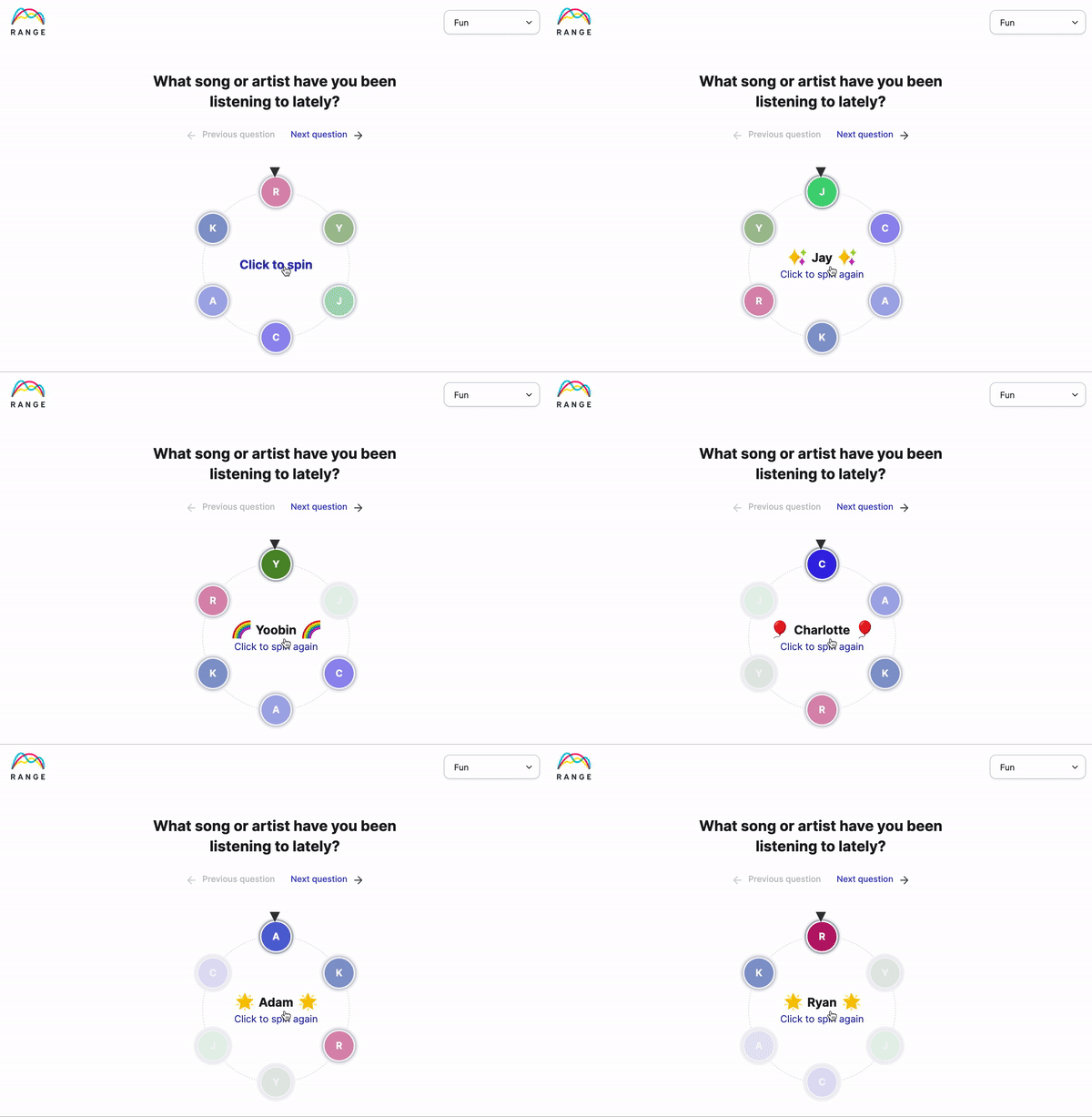
Try our (free) icebreaker spinner
Take a spin! Start your next meeting with one of these icebreaker questions. It works the same way in Range.
3. Tasteful office Zoom background

Huy Phan on Unsplash
4. End of day office Zoom background
⭐️ Use Range for your meeting notes and agendas. Create meetings that get everyone talking.
⚡️ Add Range to your next Zoom meeting

Lesly Juarez on Unsplash
5. Cozy living room Zoom background

6. Nice dining table set Zoom background

Disney virtual backgrounds for work
Want to bring a Disney background to your next Zoom meeting? Try these to lighten up your meeting.
7. Toy Story virtual background for Zoom

8. Up virtual background for Zoom

9. Coco virtual background for Zoom

10. Finding Nemo virtual background for Zoom

More virtual backgrounds for Zoom
11. Intelligent bookcase virtual background for Zoom

12. Well-made bed virtual background for Zoom

13. Amazing dining table & kitchen virtual background for Zoom

What's the best image size for a Zoom background?
The best image size for a Zoom background is 1920 x 1080px with a 16:9 aspect ratio.
The minimum dimension is 960px and the maximum is 1920px.
The recommended image format is a JPG/JPEG, or 24-bit PNG.
What's next? How to install your Zoom background
You chose a virtual background for work, great!
Here’s the next step for installation
-
Save your favorite photos and rotate through them
-
Link Range to your calendar and open the agenda at your next meeting.
-
Choose other Zoom apps to help you stay productive

How can you improve meetings on Zoom?
Use these meeting ground rules to guide your time.
-
Prepare ahead of time
-
Arrive early
-
Be present (not multi-tasking)
-
Use a facilitator
-
Use an agenda
-
Keep notes & action items
Keep your meetings on track with Range
Connect Zoom with Range and create multi-player agendas, and send notes directly after the meeting.
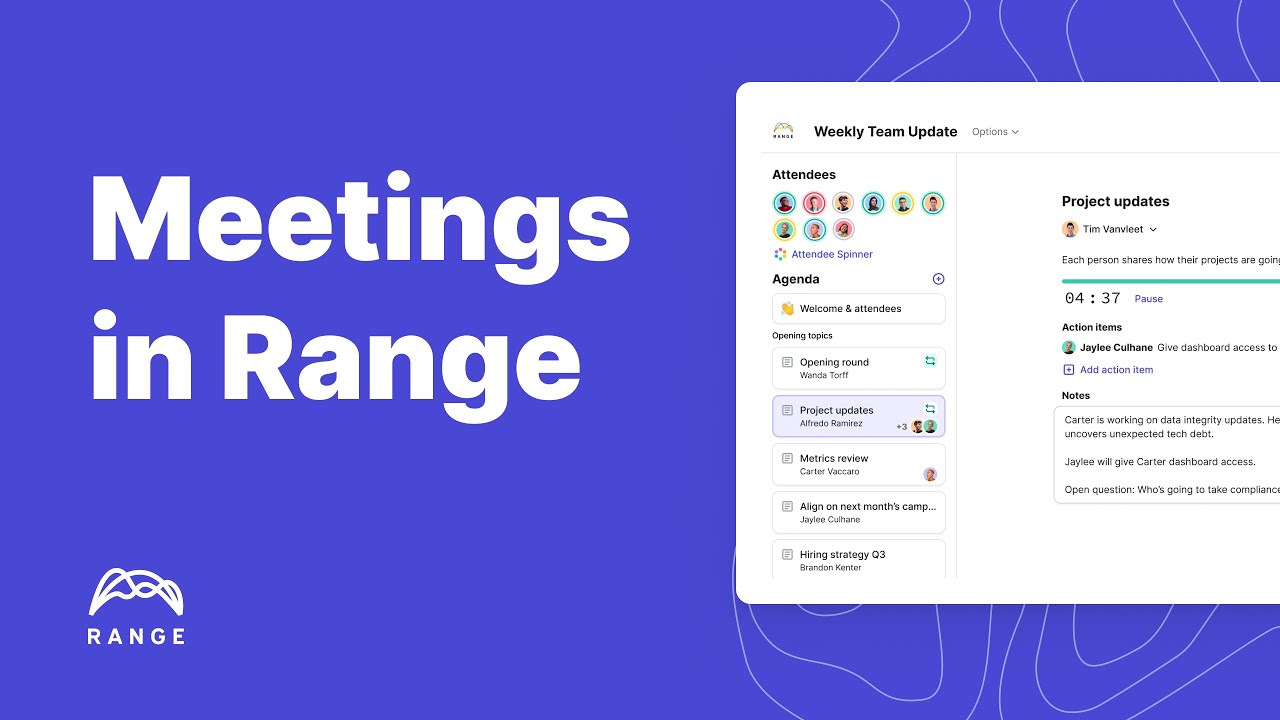
With Range and Zoom, you can:
-
Collaborate better with more effective meetings
-
Easily facilitate balanced discussions that make every meeting worthwhile
-
Build agendas, record actions, and share notes automatically
-
Create a recurring agenda for all the topics your team discusses every week from metrics to project updates.
-
Empower discussion by building a collaborative agenda & spinning to select others to speak
-
Easily document notes from each topic to keep everyone in the loop.
-
Replace your standups with async check-ins and limit your Zoom fatigue
⭐️ Swap communication chaos for calm. Use Range for your meetings and async stand-ups
⚡️ Add Range to your next Zoom meeting