Range and Slack: Collaborate async without the chaos
Replace distracting comms with real teamwork. Share async check-ins, manage meeting agendas & notes, and track goal progress, all in Slack.

Trusted by teams at





“With Slack reminders to Check-in every morning, and message threading, it's been easy for the team to start using Range.”



Cut unfocused meetings and messages
Create positive team routines and move team comms forward with Range + Slack
async updates
Solve communication overload
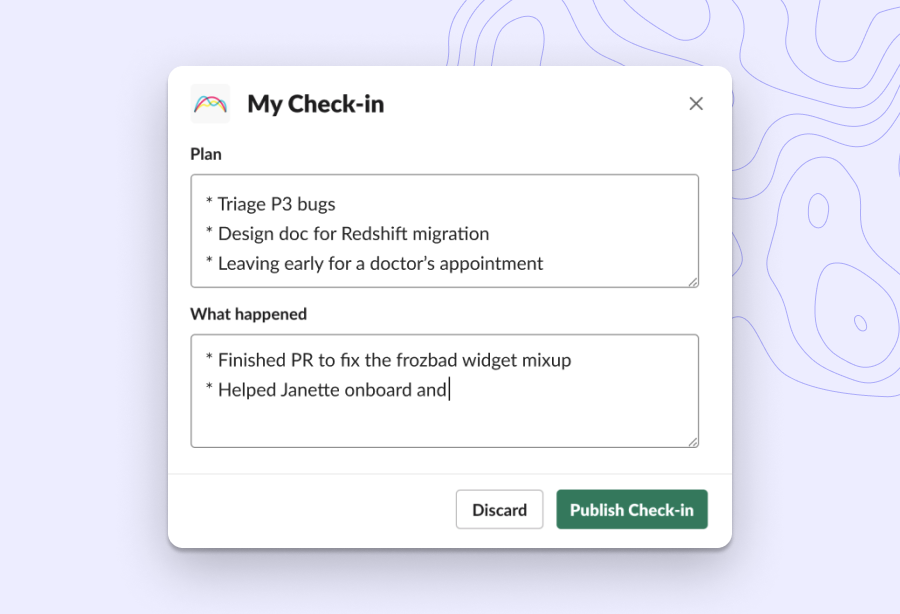
Run async Slack standups in five minutes or less. Know what’s happening and unblock your teammates, without sacrificing deep work.
goal management
See how your goals are tracking
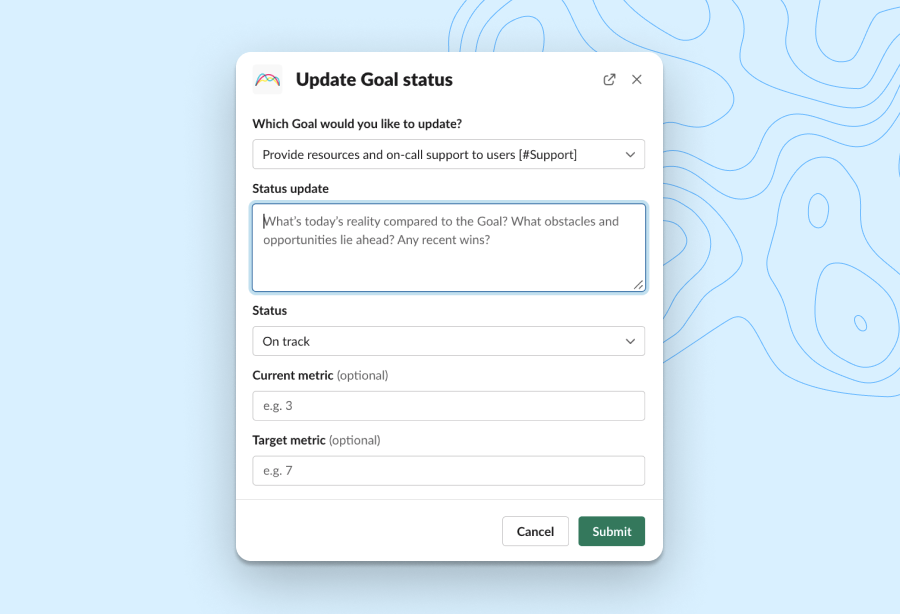
Update the status of team goals from the comfort of your Slack workspace. Get notified when it’s time to share an update and when your teammates make progress.
team meetings
Build meeting management into your workflow
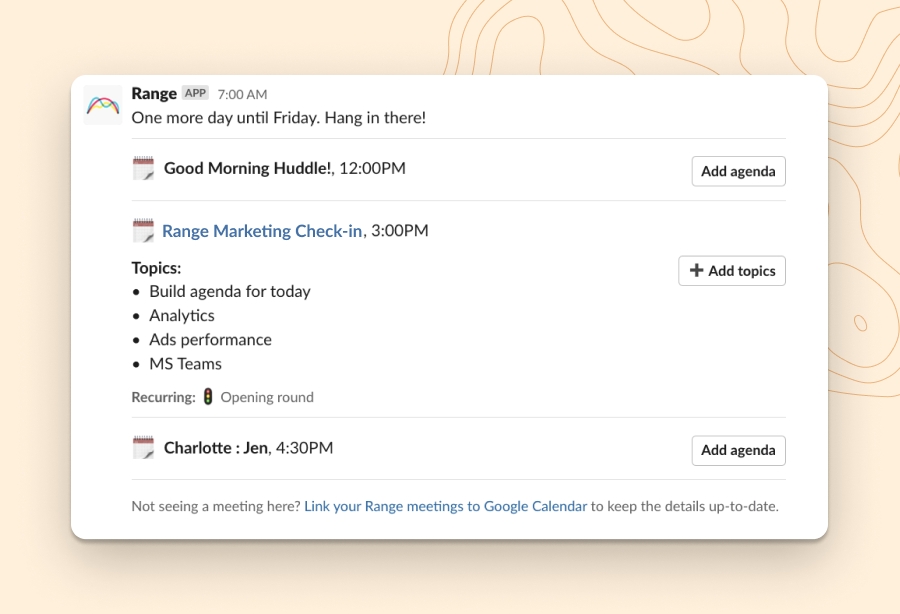
Range pulls context from your calendar into Slack so you can prep for meetings at a glance. Create new agendas and add topics in just a few clicks. When the meeting ends, access notes and takeaways directly in Slack.
team culture
Boost your team's EQ every day
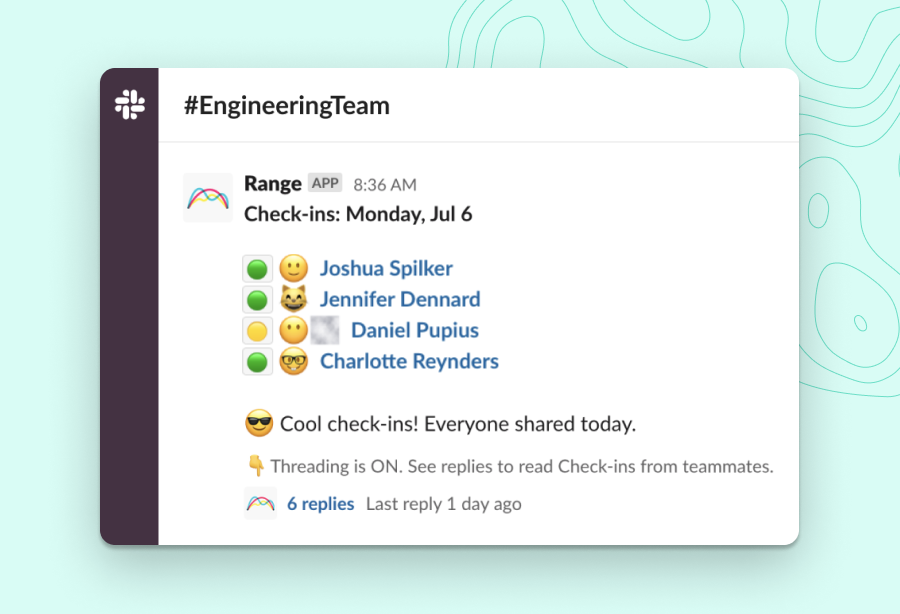
Unlike open-ended Slack channels, Range Check-ins are all about consistency. With async mood-sharing and 350+ icebreakers, you’ll improve trust and morale in a few minutes each day.
Prioritize work across all your tools
Share work from 75+ apps with Range. Add attachments from any tool to your Check-ins in Slack. Save time on status updates, without skipping the details.













How to Connect Range and Slack
Create a Range workspace for your team, then follow the steps below to get up and running.
You need to be a Slack administrator in order to connect the app to your Range workspace. To connect Range, follow these steps:
- Visit the integration settings page
- Find Slack and select “Set this up”
- Press the button “Connect Slack and Range”
- Follow the authentication steps, providing the appropriate approval
- On returning to Range, Slack and Range should be connected
Once connected, individual users can link their identities using a simple authentication flow to see activity when composing their Check-in.
For further instructions and support, visit the Help Center.

How Range Helps:
- Run async check-ins
- Facilitate engaging meetings
- Integrate seamlessly with your favorite tools
- Track what matters without micromanaging
- Keep your team feeling connected
Free to get started. No credit card required.
“People have been working in the team coordination and collaboration problem space for a while now. Finally, Range has got it right. The integrations have set Range apart and made it an invaluable tool for my team.”