Run your best standups yet with Range and Zoom
Welcome Zoomies! Learn how Range can help you run fewer, faster standups that keep everyone in the loop. ⬇️
async updates
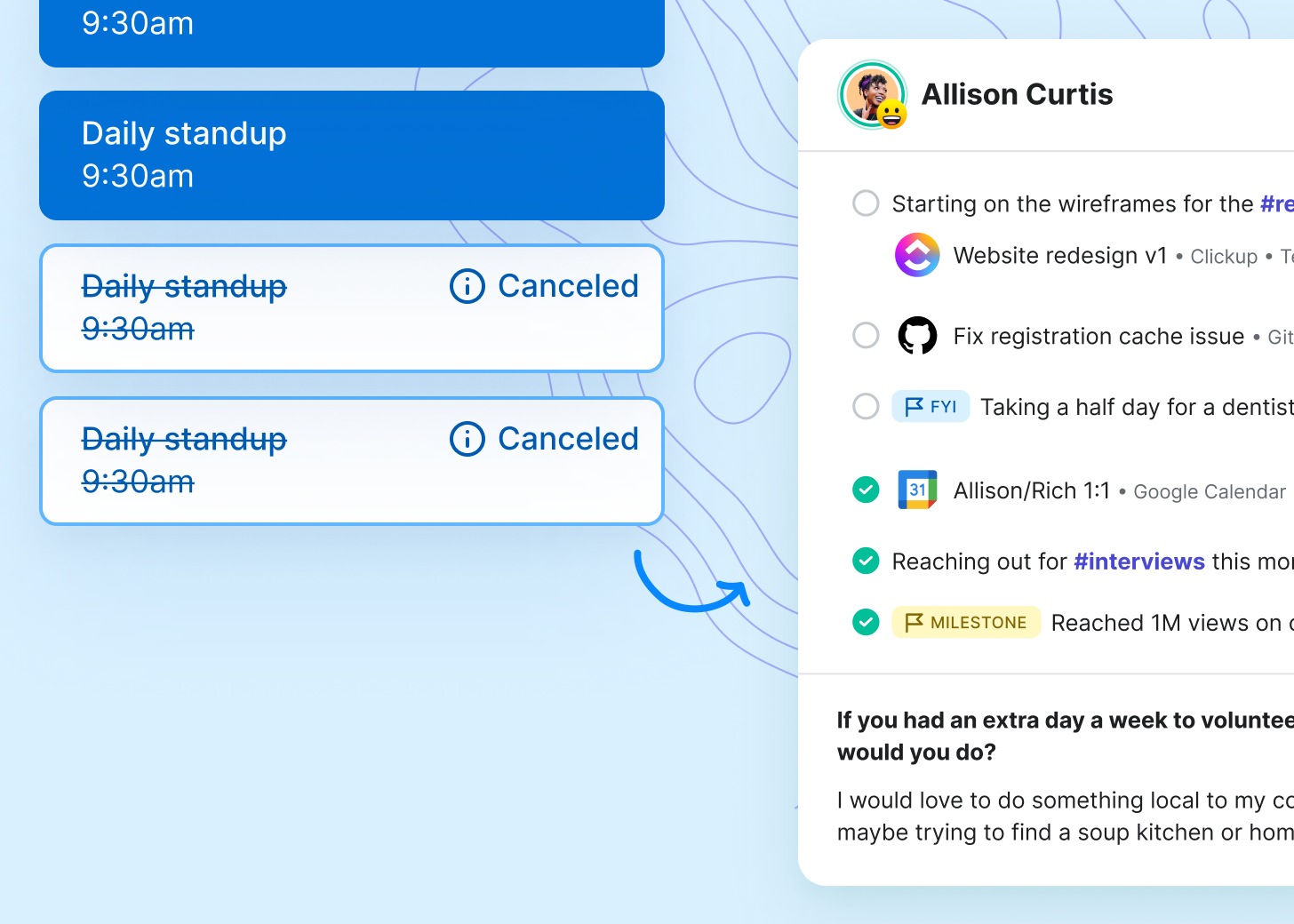
Cut standups down by 50% with Check-ins.
Share async status updates in 5 minutes or less. Bring in work from apps like GitHub and Figma. See what your teammates are focusing on and how they’re doing.
live standups
Discuss what’s most important.
When you need to meet live, follow a clear agenda — without leaving Zoom. Give each topic an owner and time limit to keep your standup on track.
meeting management
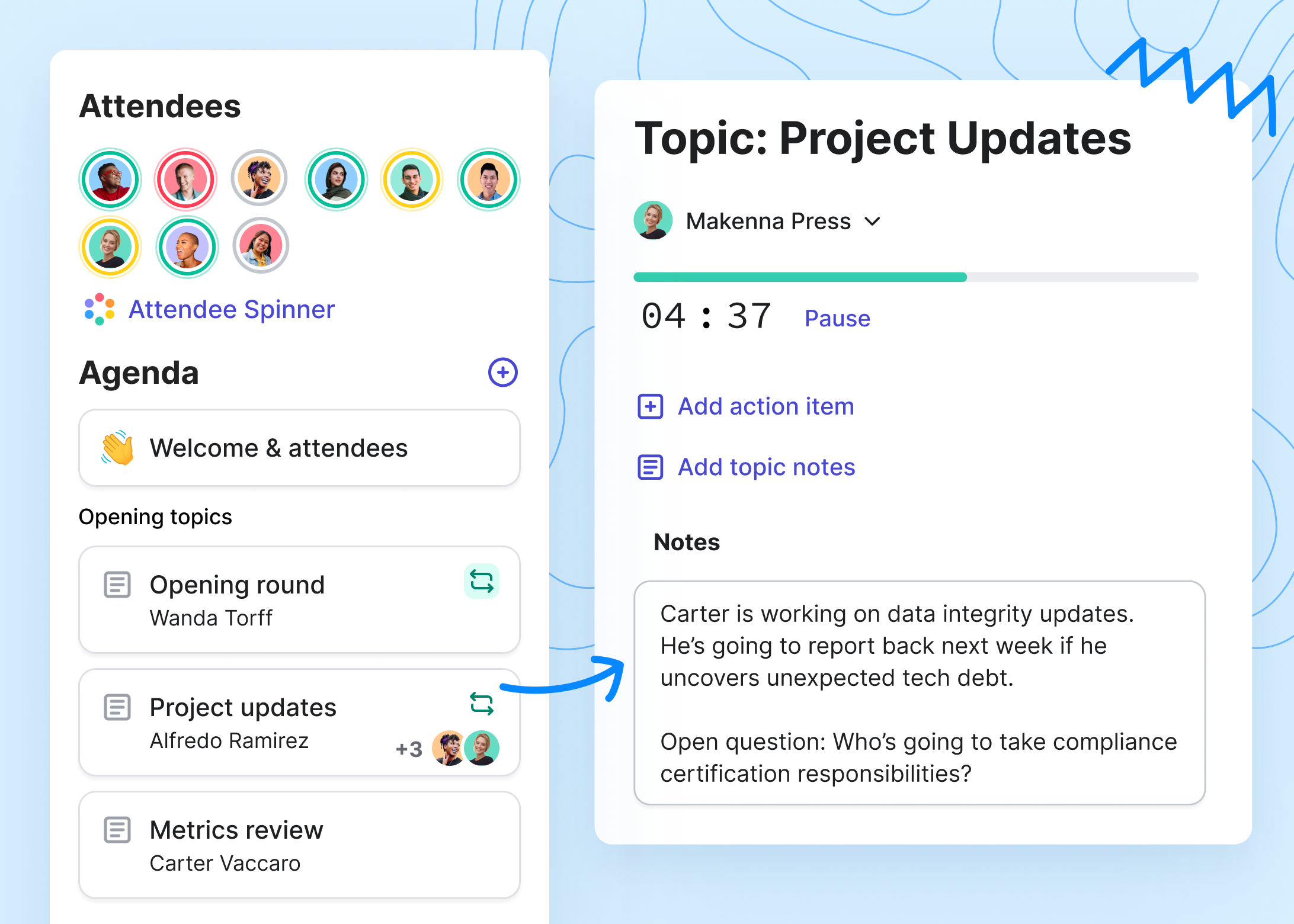
Make every conversation count.
Build multiplayer agendas for all your Zoom meetings. Use tools like the spinner to get the whole team involved, and distribute notes and actions automatically when the meeting ends. Collaborate Mode coming soon!

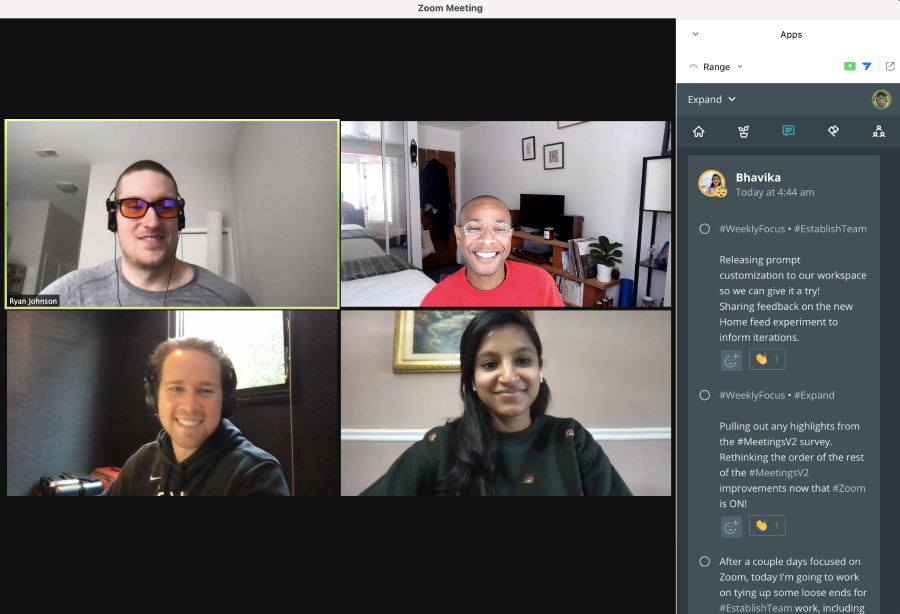
Take status updates out of meetings
Pull tasks from 75+ tools directly into your async Check-ins. Keep your team informed in just a few minutes per day, no matter where you’re working.
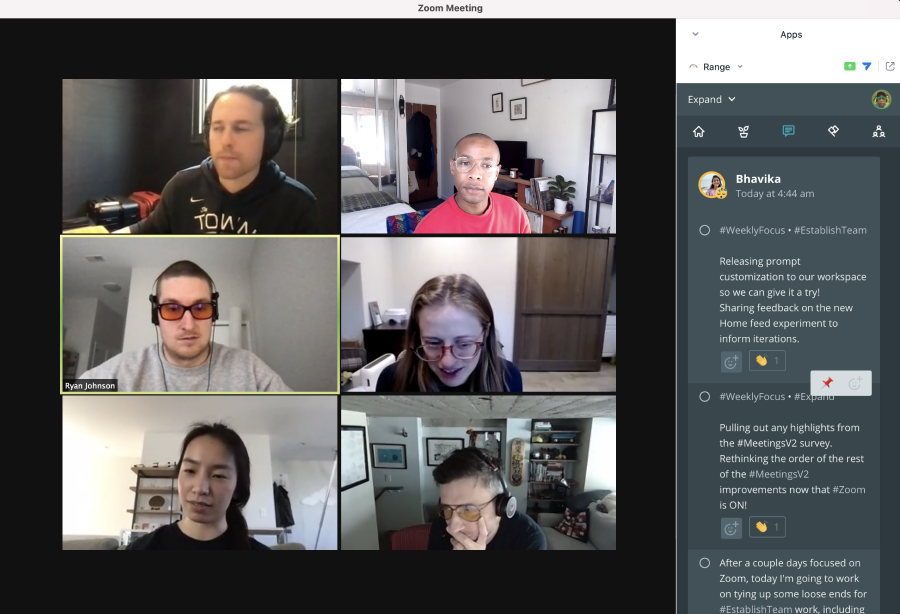
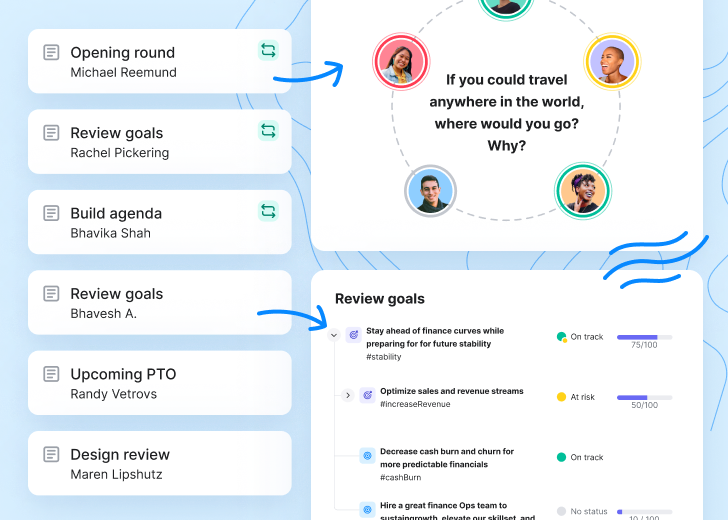
Easily prioritize which topics to cover
The Range app for Zoom lets teams quickly pull in Check-ins and vote on which items need to be discussed live.
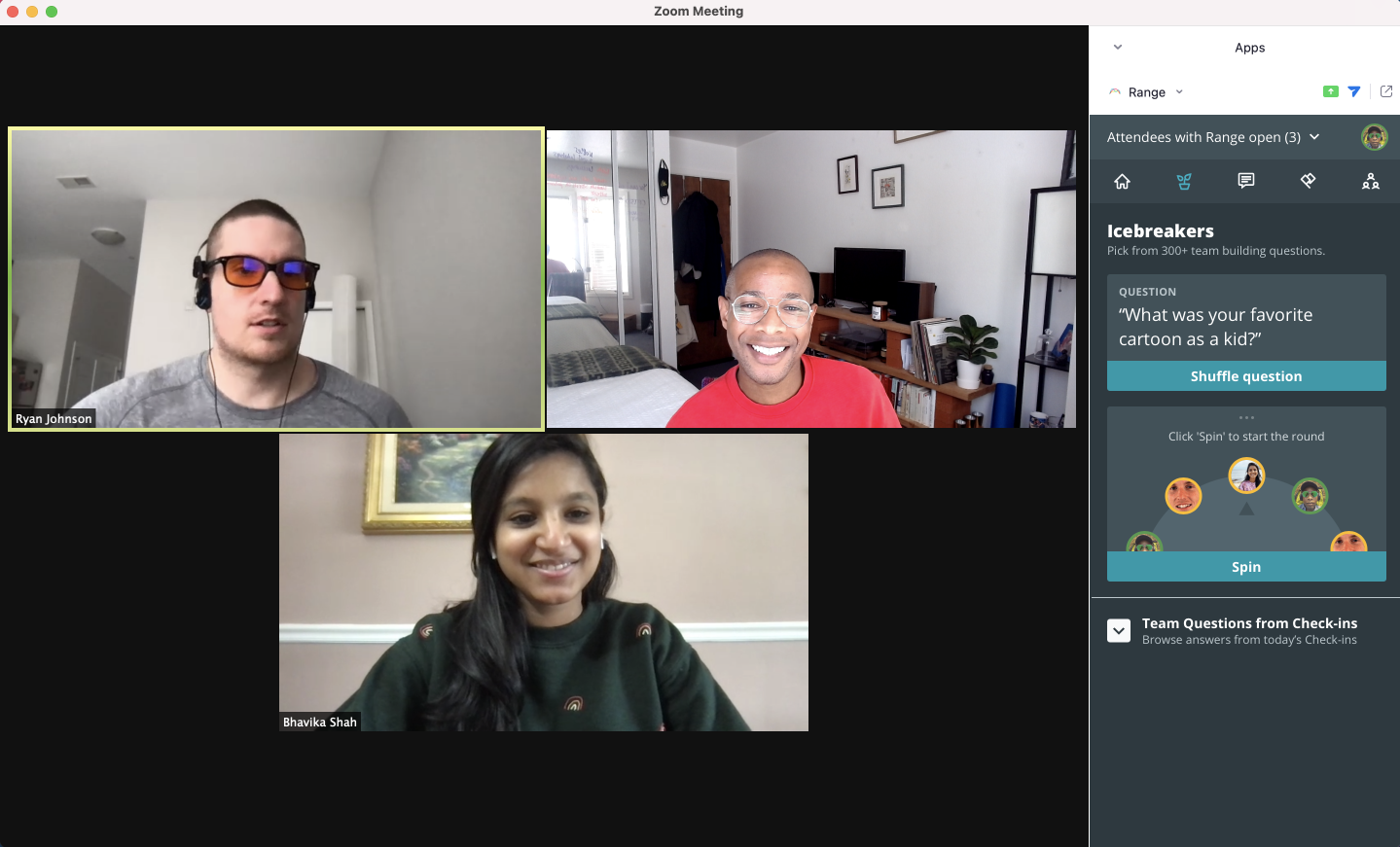
Build team culture with icebreakers
Answer team questions to get to know teammates while you work. Build trust every day, both async and in real time.
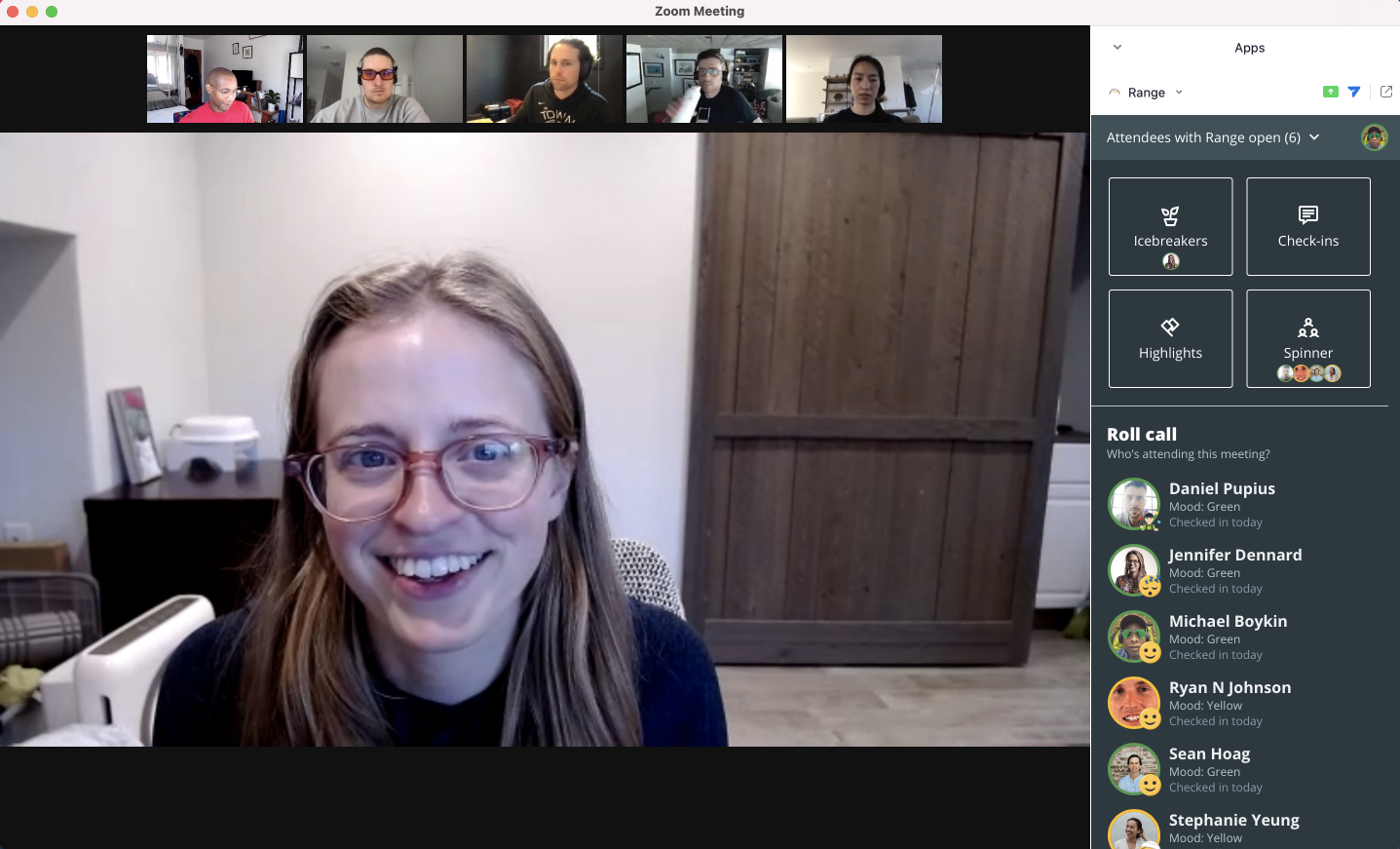
Keep everyone engaged with facilitation tools
Use the spinner to select who speaks when and distribute talking time across the team for more inclusive meetings.

How to get started

Setting Up Your Range Account
- Log in using your Okta Account.
- Join or create a team. Teams in Range help organize your Check-ins, Meetings, and other features. Create or join an existing team in the team directory.
Onboarding Your Team
- Read the Manager’s Onboarding Guide
- Reach out to the Range team in chat for extra support: #ISV - Range + Zoom
Running Standups in Zoom
- Link Zoom & Range from the Range Settings page
- Use the Range App during your next standup.
The Range App for Zoom works best with async check-ins. You can review and pin check-ins for discussion. Haven’t started check-ins yet? Try the icebreakers and timers features!
Getting Started with Async Check-ins
Range Check-ins are simple, powerful status updates that keep your team more connected, focused, and productive no matter where they’re working.
- Share your first check-in.
- Connect apps.
Facilitating All Meetings in Range & Zoom
- Set up your first meeting.
- Screen share on Zoom — Collaborate Mode coming soon!
- Get more from meetings with check-ins.
Need more help? Reach out in chat: #ISV - Range + Zoom
Success stories
- ★★★★★
“Great tool for asynchronous teams working across time-zones to keep in sync”
There is a direct correlation between when I run the meeting in Range, and a 50% reduction in the amount of time our standup takes out of my team’s day.
 Will PersampieriEngineering Team Lead
It solves all the problems of the daily stand-up. It's easy to track history, interact with colleagues, and give me reminders for future tasks.
 Daniela L.Product Designer
We've gone from boring, underutilized, lacking stand-ups in Slack to using a tool multiple times a day. We're engaging with each other and appreciating our peers. It's been fantastic!
 Philip K.Solutions Team Lead
- ★★★★★
“Ruthless efficiency making way for human connection”
Amazing. It enhanced our stand ups and team dynamic. It really helped our team get to know each other outside of team events and had us interacting as people daily, instead of cogs in a corporate machine.
 Alex L.Software Engineer