Get aligned in less time with Range and Microsoft 365
Take the chaos out of team comms. Run async check-ins and structured meetings that move work forward, faster.
Trusted by teams at





“Range has been an indispensable way to increase productivity, transparency, trust, and connectedness.”

Make team communication manageable
Discuss, document, and deliver on projects faster when you bring live and async communications together in Range.
Reduce time in standups by 50%.
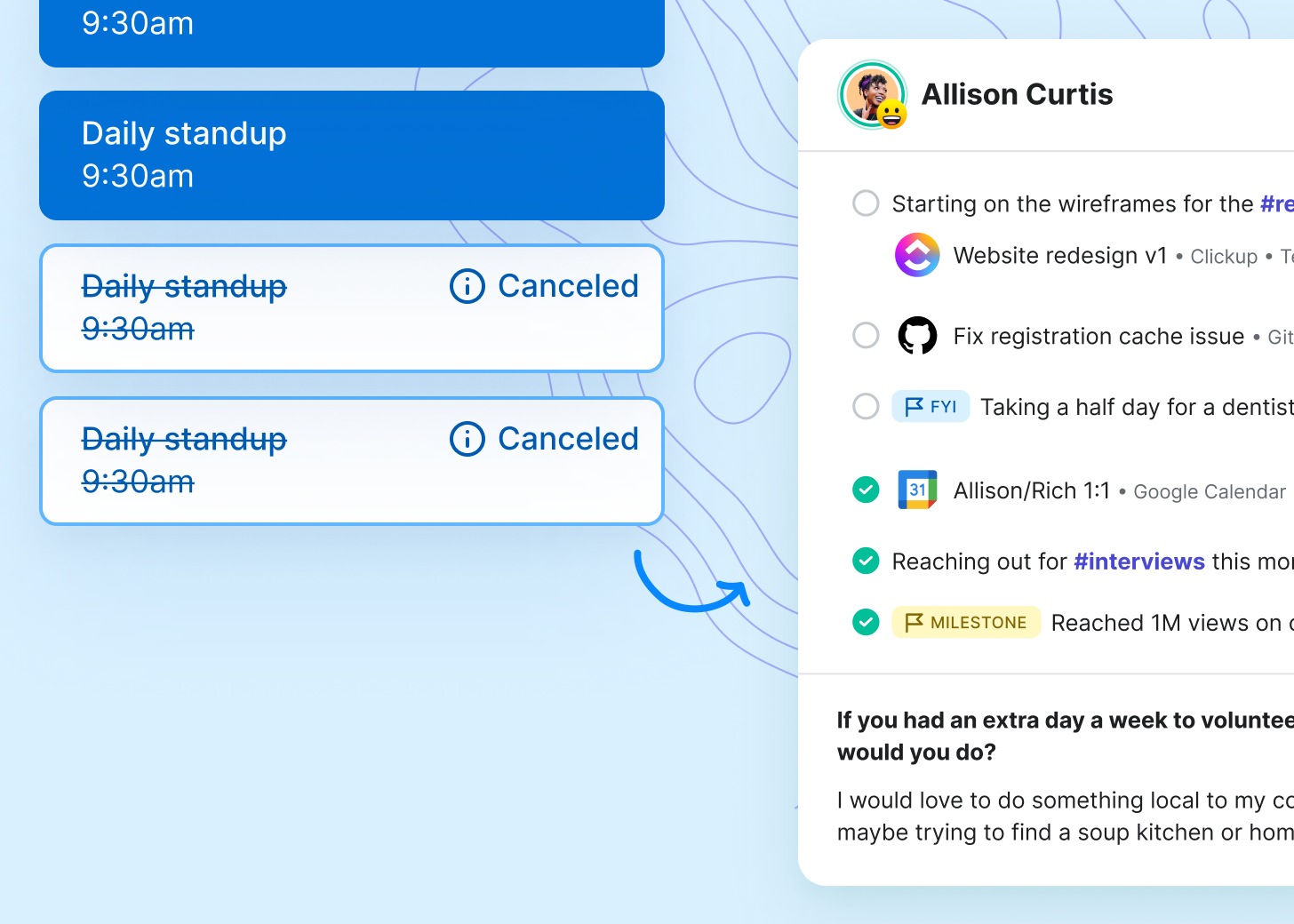
Run async Check-ins to cut down on live standups and stay informed in five minutes per day. Connect Range and Microsoft Teams to review Check-ins while you work.
Focus on what matters most.
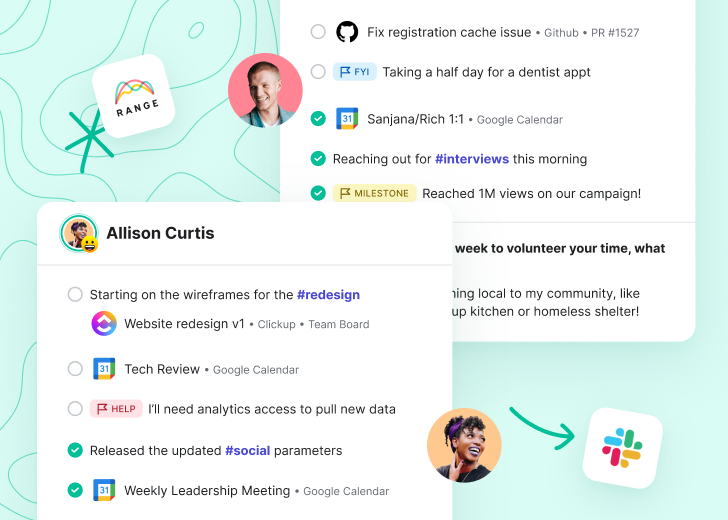
Flag day-to-day blockers and accomplishments in async Check-ins. Use hashtags to connect work items to top-level goals and priorities.
Run organized discussions.
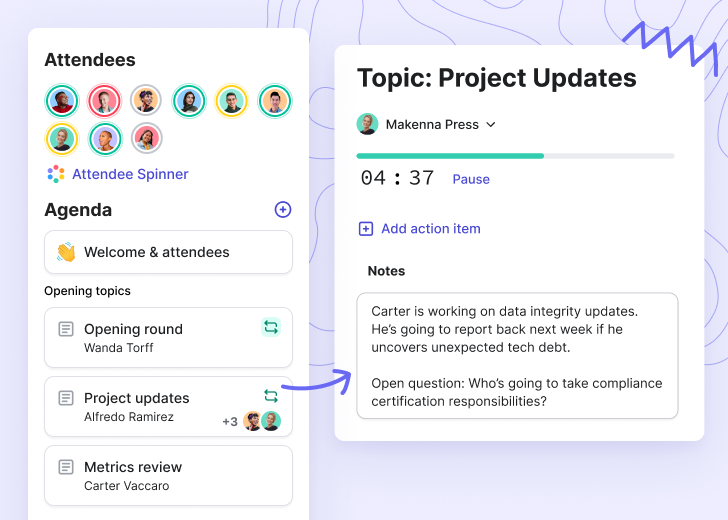
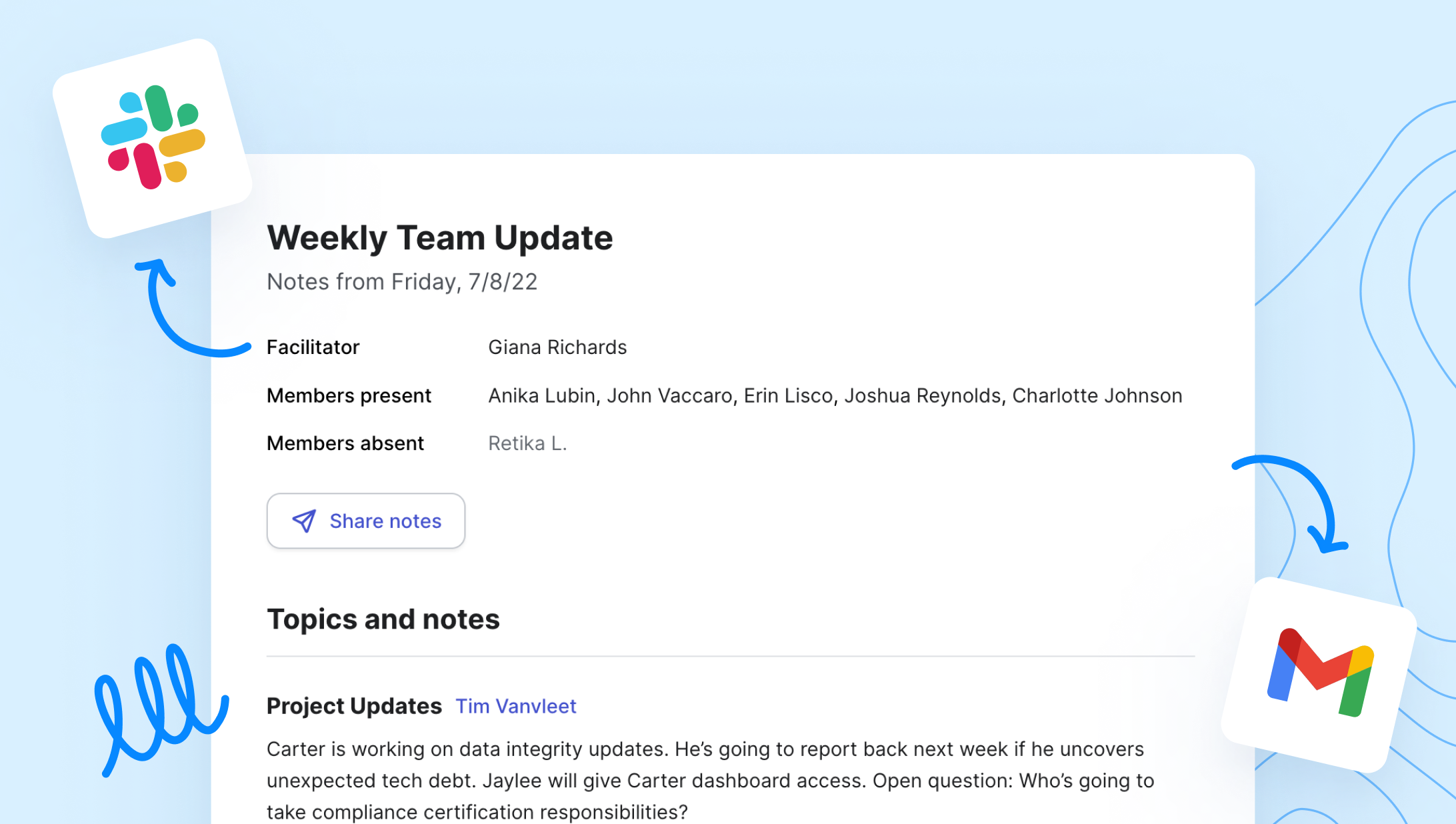
For every Outlook event, build a multiplayer agenda that gets the whole team engaged. Share notes and action items automatically when the meeting ends.
Less app-hopping. More doing.
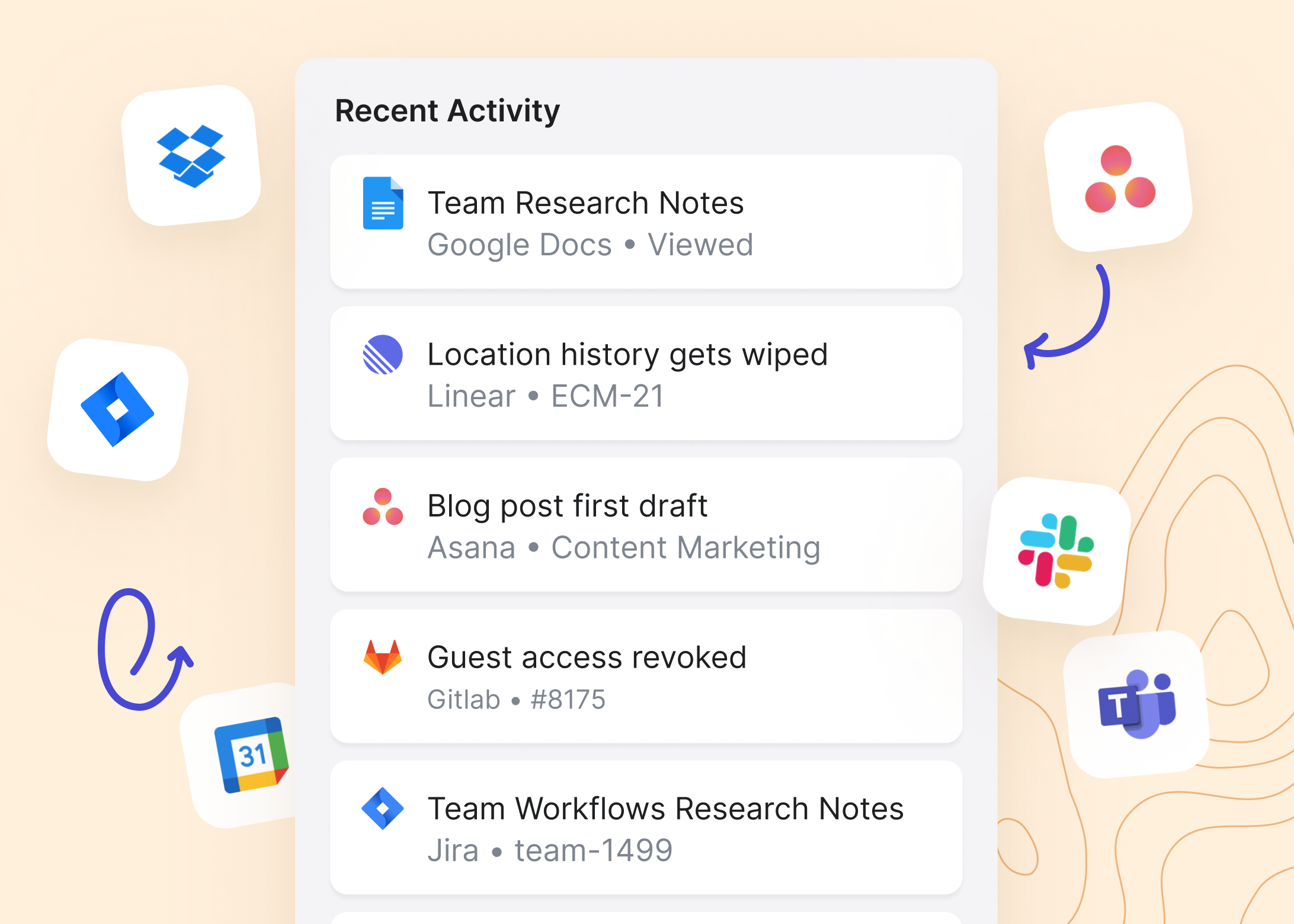
Bring work items from 75+ tools — including Word docs, Excel spreadsheets, PowerPoints, Microsoft Tasks, and Outlook events — directly into your async check-ins. Save time on status updates, without skipping details.
Keep a pulse on your team
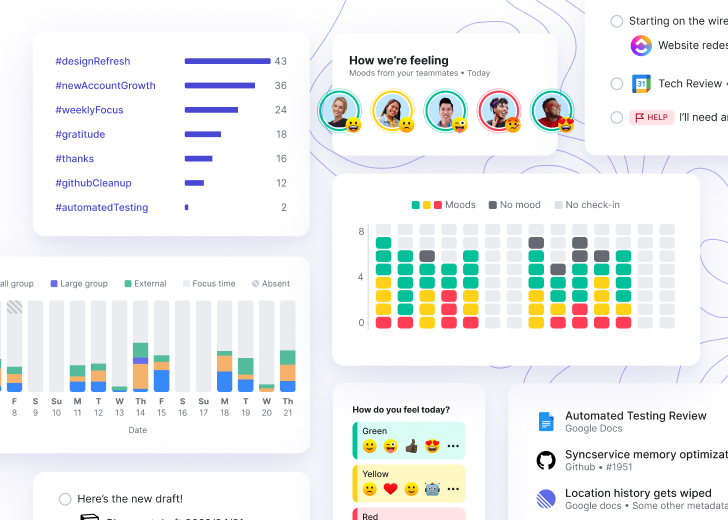
Get a summary of activity across your team’s Microsoft 365 suite and async check-ins. Stay on top of team wellbeing, current work streams, meeting load, and more.

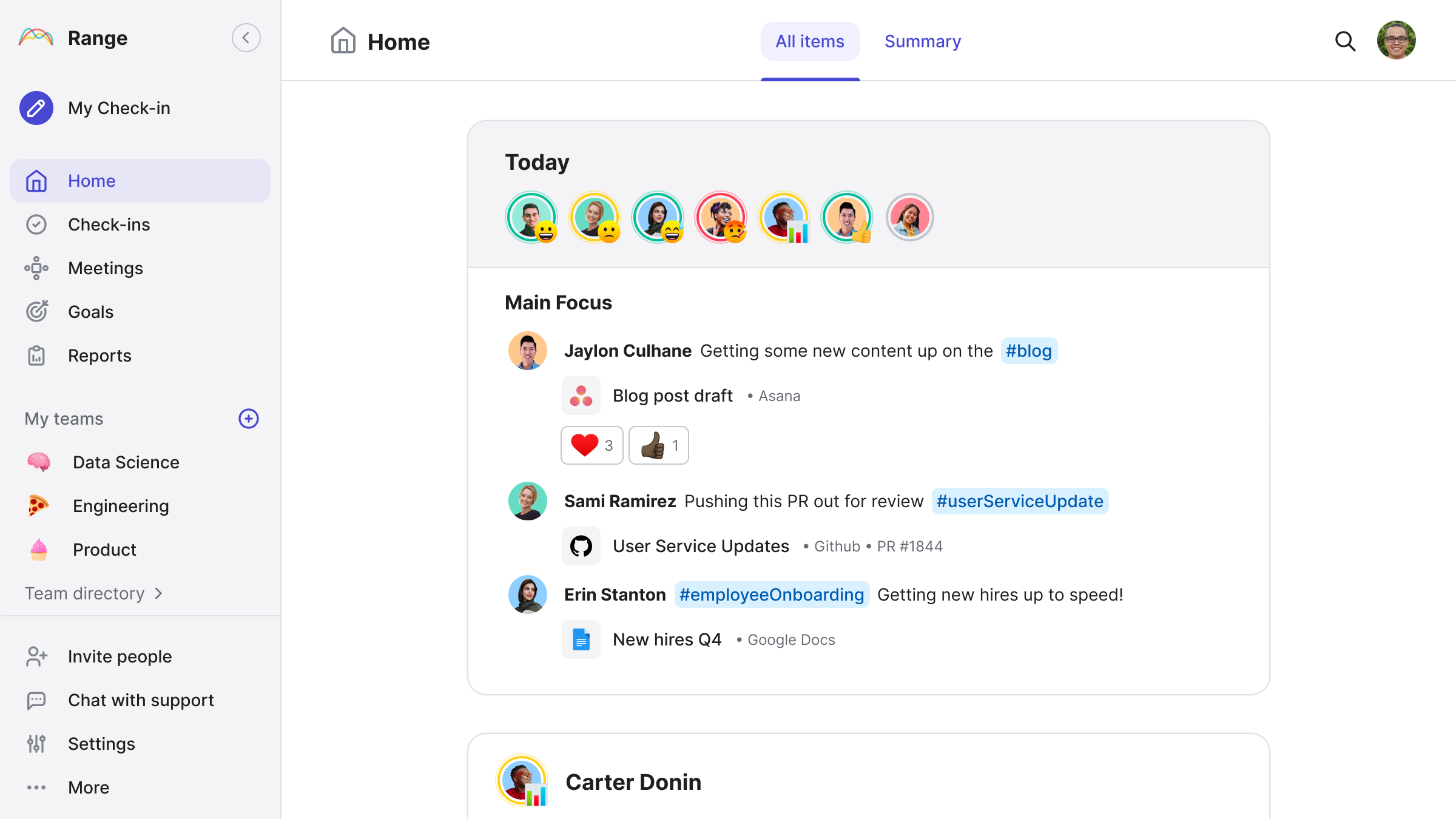
Track team progress across all your tools in one place
Range integrates with more than just Microsoft 365. Connect apps like Asana and Github to Range in just a few clicks. Add context from any tool to your team's Check-ins, meeting agendas, and more.














“People have been working in the team coordination and collaboration problem space for a while now. Finally, Range has got it right. The integrations have set Range apart and made it an invaluable tool for my team.”


Get even more out of every meeting with Range
Prep team agendas
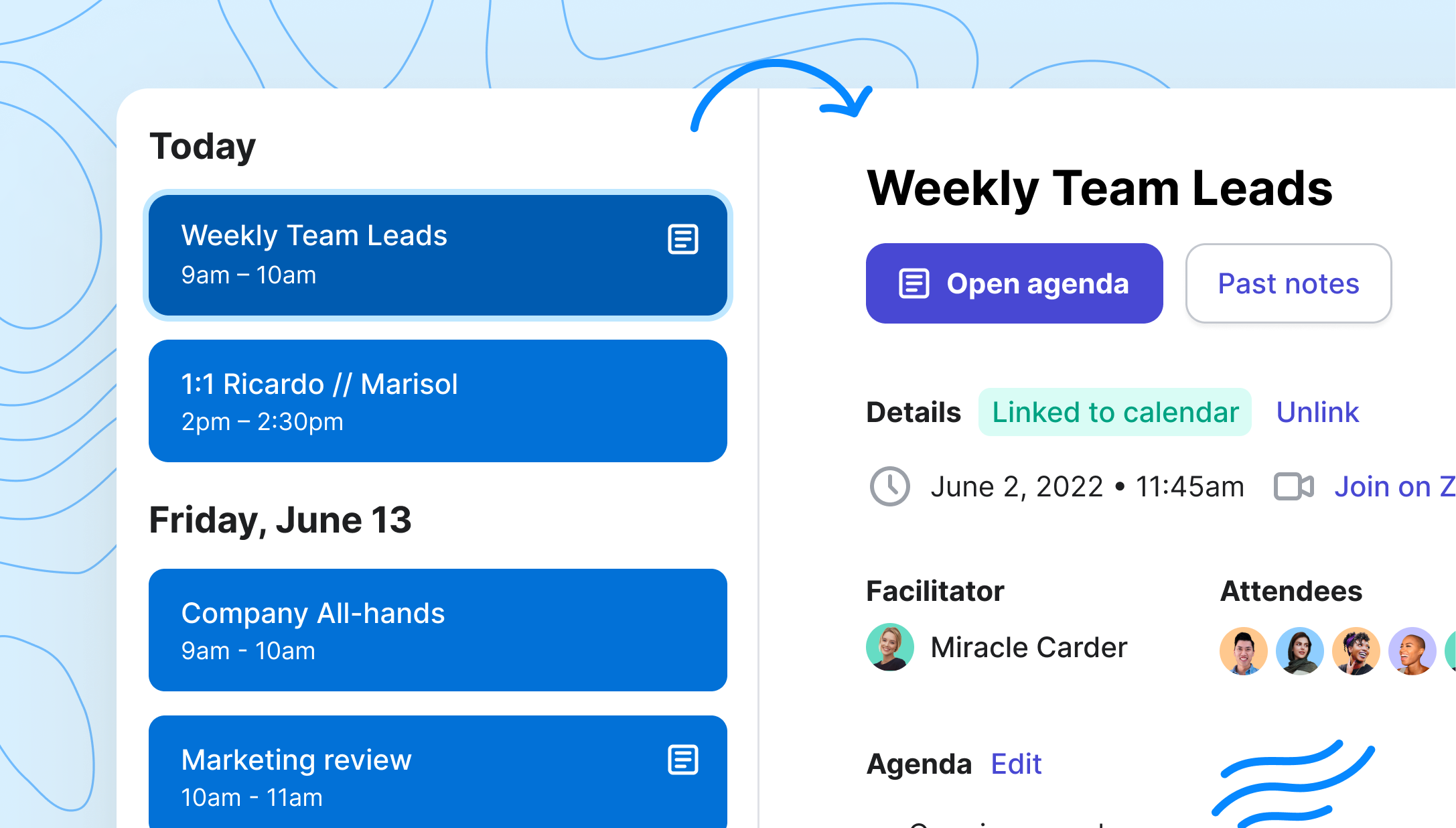
Build multiplayer agendas that integrate with your Outlook calendar events. Manage all your team’s agendas in one dashboard.
Keep meetings focused
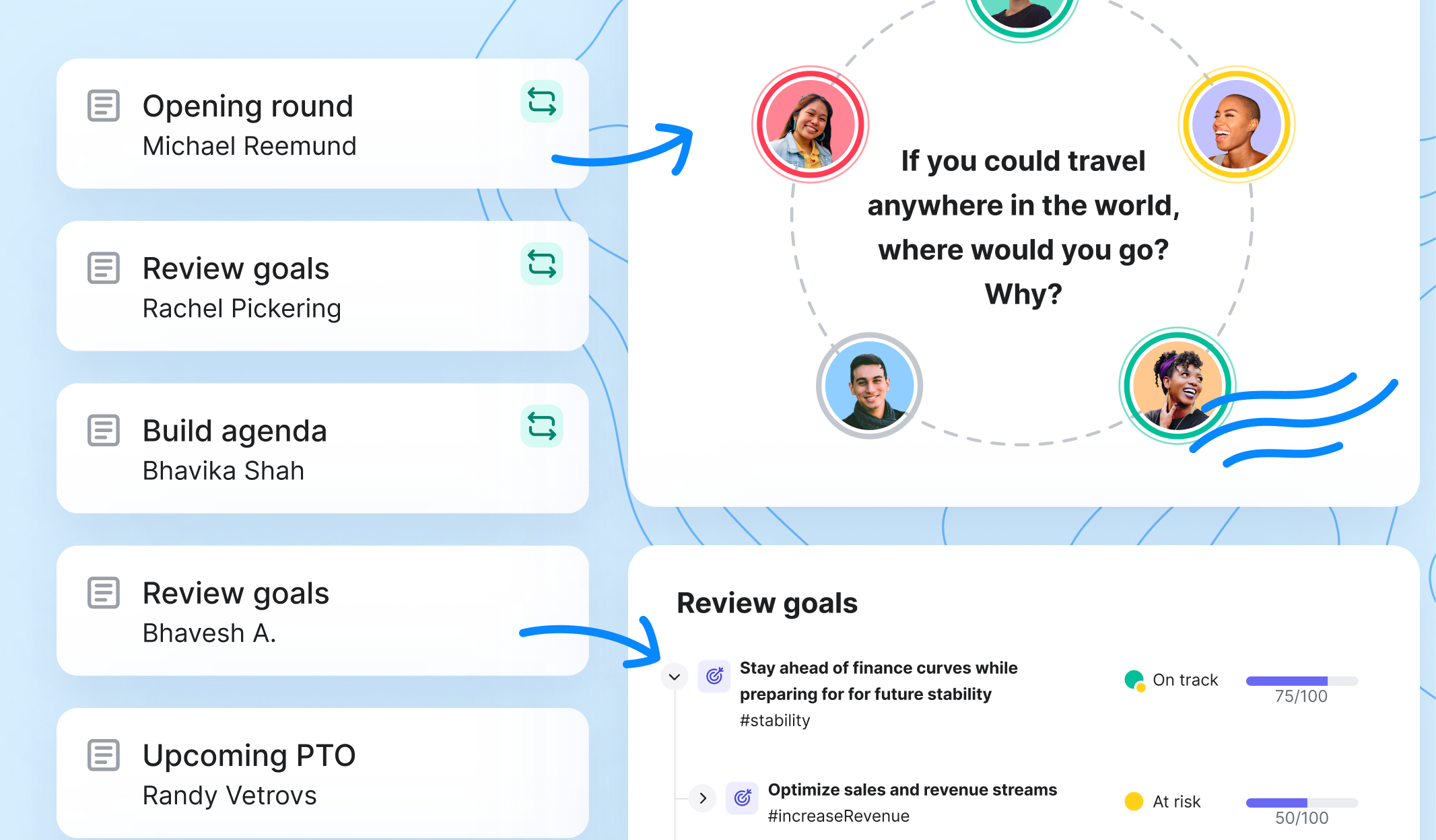
When you need to meet live, leverage meeting tools like the Goals integration and the attendee spinner to review progress and get the whole team engaged.
Follow through
Assign action items in real time and distribute notes automatically when the meeting ends so attendees walk away with clear next steps.
Range meeting agendas vs. Word Docs
🎡 Attendee spinner
Rotate through meeting attendees with a fun roulette.
🚩 Flags review
Review flagged items from Check-ins. Flagged items may include:
- Blockers
- Requests for help
- Discussion items
- FYIs
- & more
#️⃣ Tags review
Review #tagged items from Check-ins (including goal-related work, project milestones, and more).
✅ Action item review
Review action items from the past meeting session.
🎯 Goals integration
Review the current status of team goals.
📆 Upcoming absences
Review upcoming absences recorded in Range or Google Calendar.
⚡️ Check-ins integration
Review Check-ins from meeting attendees.
➕ Topic generator
Create agenda topics for the meeting.
🧊 Icebreakers
Answer team-building questions to get to know your teammates.
⏰ Topic timer
Add a countdown timer bar to any agenda item in Range. You'll hear a bell sound when it's time to move on to the next topic.
“By using Range, our eng team can keep our meetings efficient and still know what everyone is doing. Plus, I can easily see who needs help and check on how folks are feeling.”


Why Microsoft 365 users choose Range
Pull information from OneDrive, Outlook, and Microsoft To Do directly into async check-ins to improve daily coordination on your team. Enrich Microsoft Teams meetings with facilitation tools that make every conversation count.
| Range ✨ | Standup slackbots (i.e. Geekbot, Standuply, Status Hero) | Meeting tools (i.e. Hugo, Fellow, Hyper Context) | Team-building tools (i.e. Donut) | OKR Tools (i.e. Ally) | Async Communication Tools (i.e. Friday) | |
|---|---|---|---|---|---|---|
| Run daily Check-ins | ||||||
| Asynchronous | ✔ | ✔ | ✔ | |||
| Timezone sensitive | ✔ | ✔ | ✔ | |||
| Flag Check-in items for meetings | ✔ | |||||
| Mood insights | ✔ | ✔ | ✔ | |||
| Deep integrations | ||||||
| Slack and Microsoft Teams notifications | ✔ | ✔ | ✔ | ✔ | ✔ | ✔ |
| Check-in from Slack | ✔ | ✔ | ||||
| Meeting notes and objective updates in Slack | ✔ | |||||
| Track work activity in 75+ apps | ✔ | |||||
| Sync teams with Google Groups | ✔ | |||||
| Meeting facilitation | ||||||
| Icebreakers | ✔ | ✔ | ✔ | |||
| Spinner designed for remote meetings | ✔ | |||||
| Review goals | ✔ | ✔ | ||||
| Automate meeting note distribution | ✔ | ✔ | ||||
| Action items connected to Check-ins | ✔ | |||||
| Team building | ||||||
| Culture questions | ✔ | ✔ | ✔ | ✔ | ||
| Team profiles | ✔ | ✔ | ||||
| Inter-team communication | ✔ | ✔ | ✔ | ✔ | ||
| Asynchronous team-building | ✔ | ✔ | ||||
| Goal setting | ||||||
| Connect daily work to Goals | ✔ | ✔ | ||||
| Goal tracking | ✔ | ✔ | ✔ | |||
| Optimized for remote work | ||||||
| Both async and sync tools | ✔ | ✔ | ||||
| Team-first design | ✔ |
Success stories
- ★★★★★
“Great tool for asynchronous teams working across time-zones to keep in sync”
There is a direct correlation between when I run the meeting in Range, and a 50% reduction in the amount of time our standup takes out of my team’s day.
 Will PersampieriEngineering Team Lead
Range has been an indispensable way to increase productivity, transparency, trust, and connectedness.
Adam WaxmanDirector of Product Design- ★★★★★
“Fantastic business tool!”
So many things! The task list is by far my favorite as it helps myself and my team keep track of items that we need to follow up on throughout the week/month and helps us to plan accordingly. We all have many different accounts that we work, so keeping things all in one spot is extremely helpful.
 Christy TBilling Manager
 - ★★★★★
“Ruthless efficiency making way for human connection”
Amazing. It enhanced our stand ups and team dynamic. It really helped our team get to know each other outside of team events and had us interacting as people daily, instead of cogs in a corporate machine.
 Alex L.Software Engineer
- ★★★★
“Very complete”
What I like the most about Range are the integrations it has with other applications, the notifications and the customization of my profile.
 Owen PCustomer Success
 Range helps Wellthy maintain our culture, foster transparency and accountability among the team, prioritize day-to-day tasks, and stay on top of what’s important.
 Kevin RocheCTO